THE STICKERROAR GUIDE
Bilingual Car Stickers: Give Each Language a Clear Place
Plan two-language sticker artwork without compressing one language, breaking the reading order or losing characters during export.
Updated
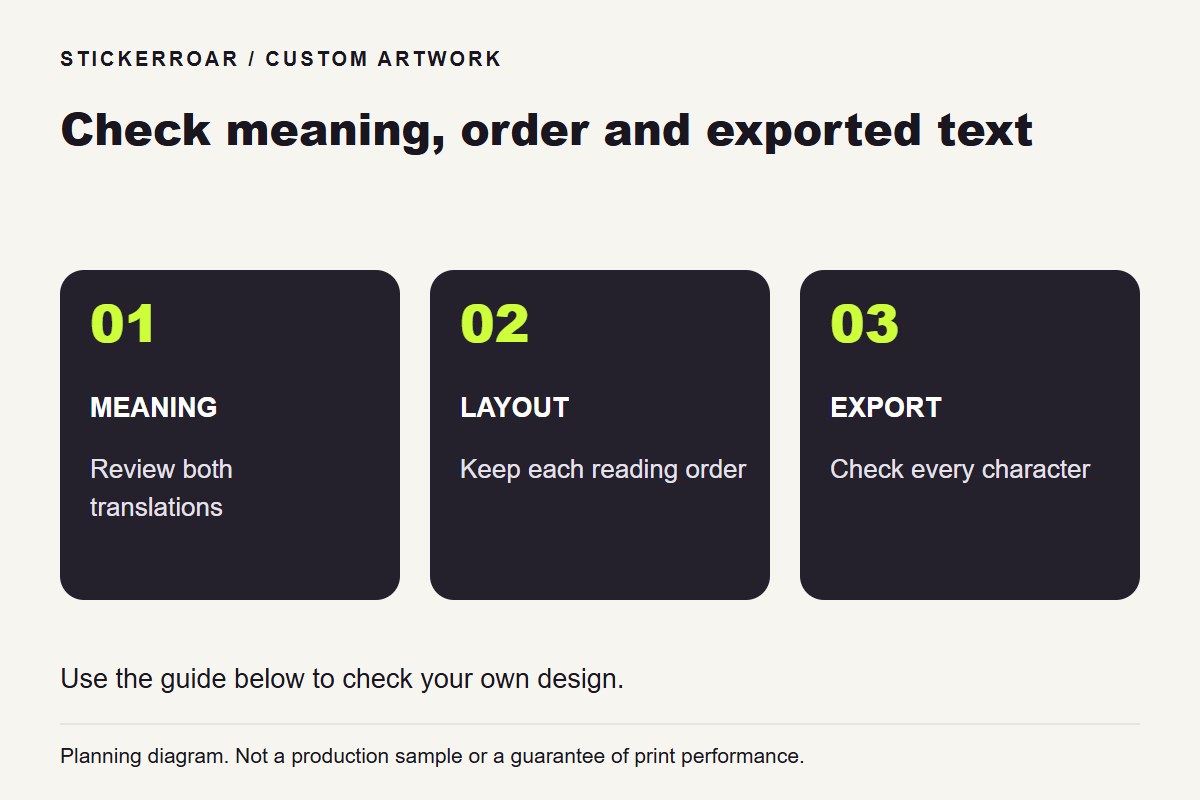
Planning diagram. View the full-size guide.
Decide what each language needs to communicate
A bilingual sticker may repeat the same message or use a name in one language with a description in another. Make that relationship explicit before arranging the text. Ask fluent readers to review the meaning; a visually neat translation is not proof that the wording is right.
Keep proper names and contact details consistent. If a business uses different approved names in different languages, use those established forms rather than creating a new translation for the sticker.
Give each line enough room
Different languages do not necessarily occupy the same length or use the same reading direction. Avoid forcing both into identical widths by stretching characters. Try stacked lines or separate text areas, keeping the intended reading order clear within each block.
Compare a paper proof at the actual dimensions. Check whether one language has become too small relative to the other and whether punctuation remains attached to the correct phrase. A single font choice may not contain every required character.
Inspect the raster export
The current uploader accepts PNG and JPEG artwork. Review the exported file for missing glyphs, substituted symbols and altered line breaks before uploading. Keep the editable source so text can be corrected without rebuilding the entire design.
Use the custom editor to review the outline and print dimensions, not as a translation check. For additional wording precautions, see lettering in an unfamiliar language. Confirm the final two-language file with the responsible readers before moving from an order request to production discussion.