THE STICKERROAR GUIDE
Die-Cut, Kiss-Cut and Sticker Sheets: What Changes?
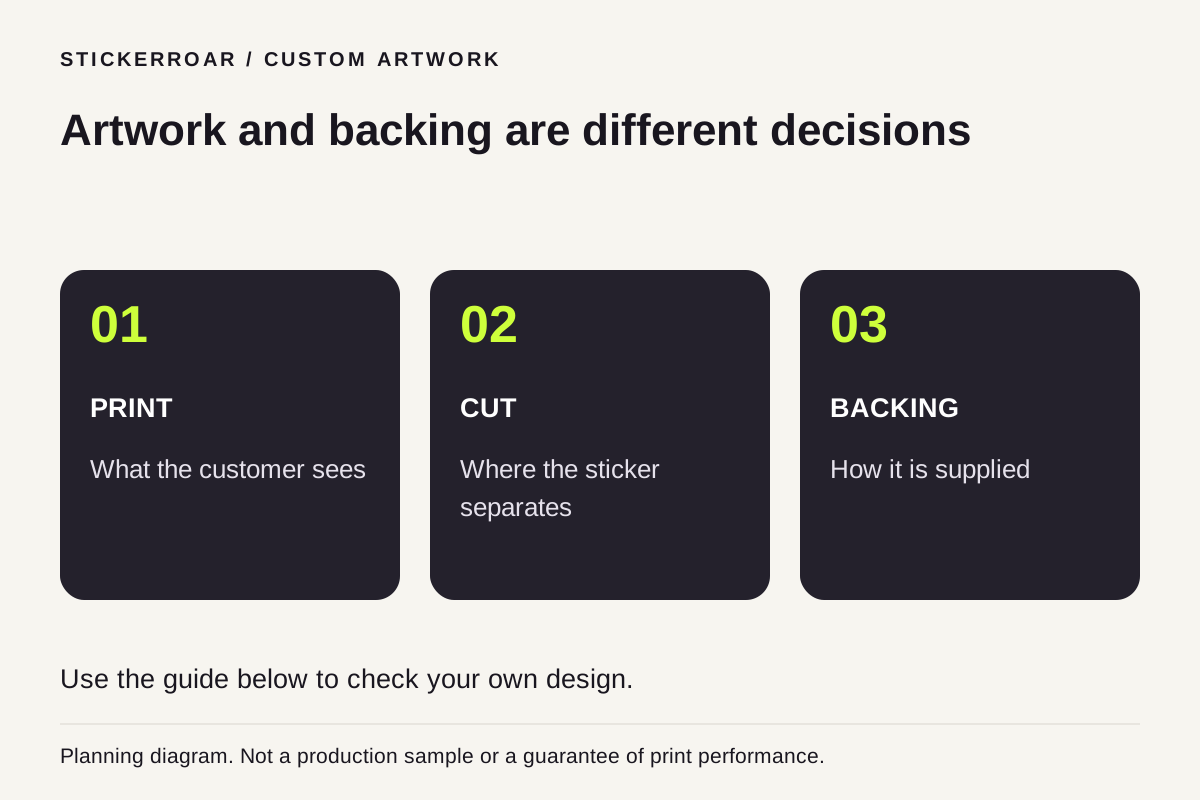
Separate the printed artwork, cut outline and backing format when comparing individual stickers with kiss-cut or sheet presentations.
Updated
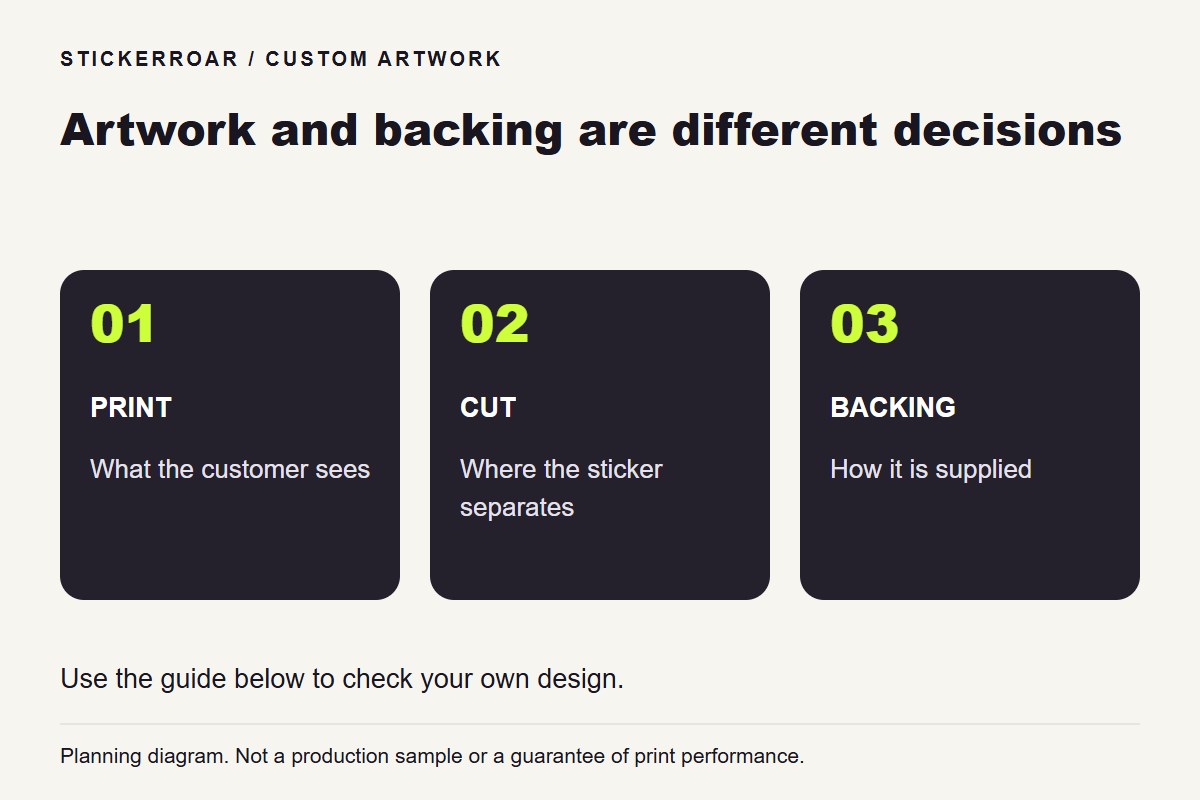
Planning diagram. View the full-size guide.
Ask what is cut and what stays together
Sticker terms can describe the drawing, the cut and the way the product is supplied. A die-cut presentation commonly follows the design's outer contour through the sticker and its backing. A kiss-cut presentation cuts the sticker layer while leaving a larger backing intact. A sheet can carry several peelable designs on one backing.
Check the supplier's actual construction rather than assuming a photograph or product name explains all three. StickerApp's kiss-cut product explanation is one example of how a supplier distinguishes the backing and peelable area; it does not describe a service automatically available here.
Do not confuse a printed collage with a sheet
If you upload one image containing six little drawings, that image is still one artwork. It does not automatically instruct a printer to create six separate cut lines. Likewise, selecting a quantity of six ordinarily means six copies of the configured design, not six different designs on a sheet.
If independent peeling matters, show which elements must separate and confirm the cutting arrangement before production. Empty space between printed shapes is not itself a cutting instruction.
Match the presentation to how it will be used
An individual shaped sticker can be handed out on its own. A larger backing may make handling or presentation different. A multi-design sheet introduces another layout and cutting task. These choices concern physical supply, not just the visual shape of the uploaded image.
StickerRoar's current storefront focuses on individual printed PVC designs. Do not assume kiss-cut sheets or mixed-design sheets are included in the standard configurator. Describe your project if you need a different supply format, and obtain confirmation before treating a preview as a production specification.