THE STICKERROAR GUIDE
QR Code Car Stickers: Prepare and Test Before Printing
Keep a QR code’s clear margin, verify its destination and test the intended size before including it in custom sticker artwork.
Updated
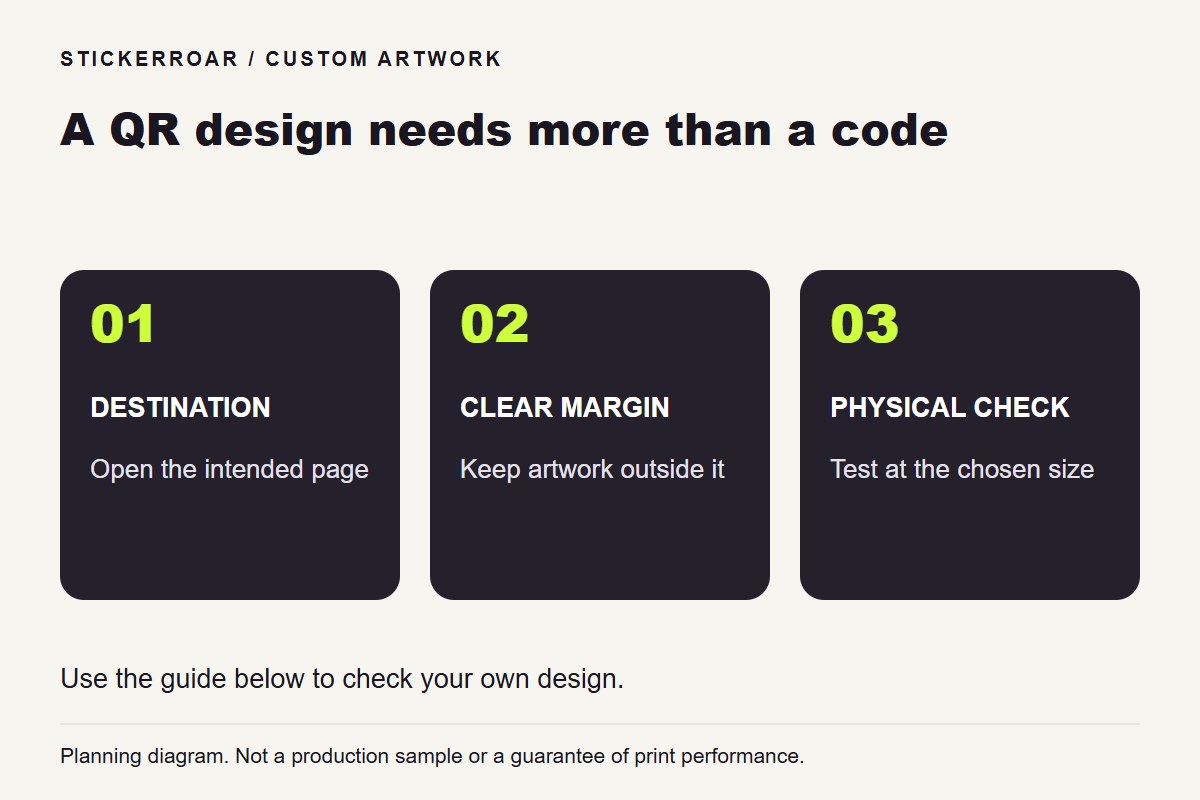
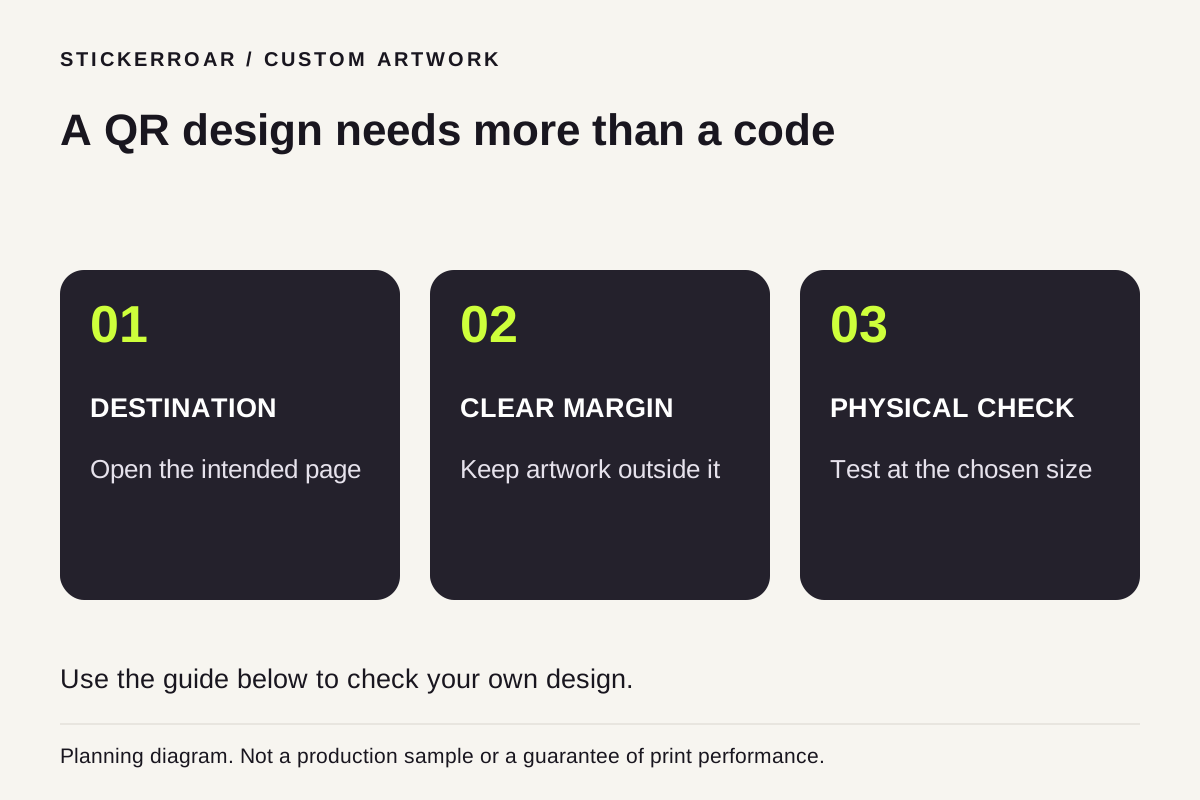
Planning diagram. View the full-size guide.
Start with the destination, not the decoration
A QR sticker should take the reader to a useful page that you control or have permission to use. Open the destination on a phone before designing the sticker. Check that the page works without your own signed-in session and still makes sense to a first-time visitor.
For a parked vehicle display, a short label such as “View this project” explains why someone might scan. Keep the action relevant to stationary viewing; do not design around scanning a moving car.
Protect the code's empty margin
DENSO WAVE specifies a clear margin four modules wide around a conventional QR symbol. A module is one small square in the code. A decorative border, nearby text or crop should not invade that area. See the QR margin explanation.
Prepare a high-contrast code without stretching it. If you add a logo or change its appearance, test the actual resulting code instead of assuming that a previous version's successful scan still applies. A printed cut border and a QR quiet zone have different jobs.
Test the complete layout
- Scan the exported artwork and confirm the exact destination.
- Make a paper print at the proposed size and test it with more than one phone under the intended viewing conditions.
- Check the code after placing it within the full sticker composition; do not test only the separate source code.
- Request a physical sample if reliable scanning is important. A paper test does not establish performance on a curved surface or reflective material.
StickerRoar accepts finished PNG or JPEG artwork; the editor is not a QR-code generator or a scan-reliability certification tool. Upload your completed design, review its outline and specify any production questions before submitting an order request. No online payment is taken at this stage.