THE STICKERROAR GUIDE
Social Media Handles on Car Stickers: Name the Platform Clearly
Check the platform, exact handle and character spacing before putting a social profile into custom car sticker artwork.
Updated
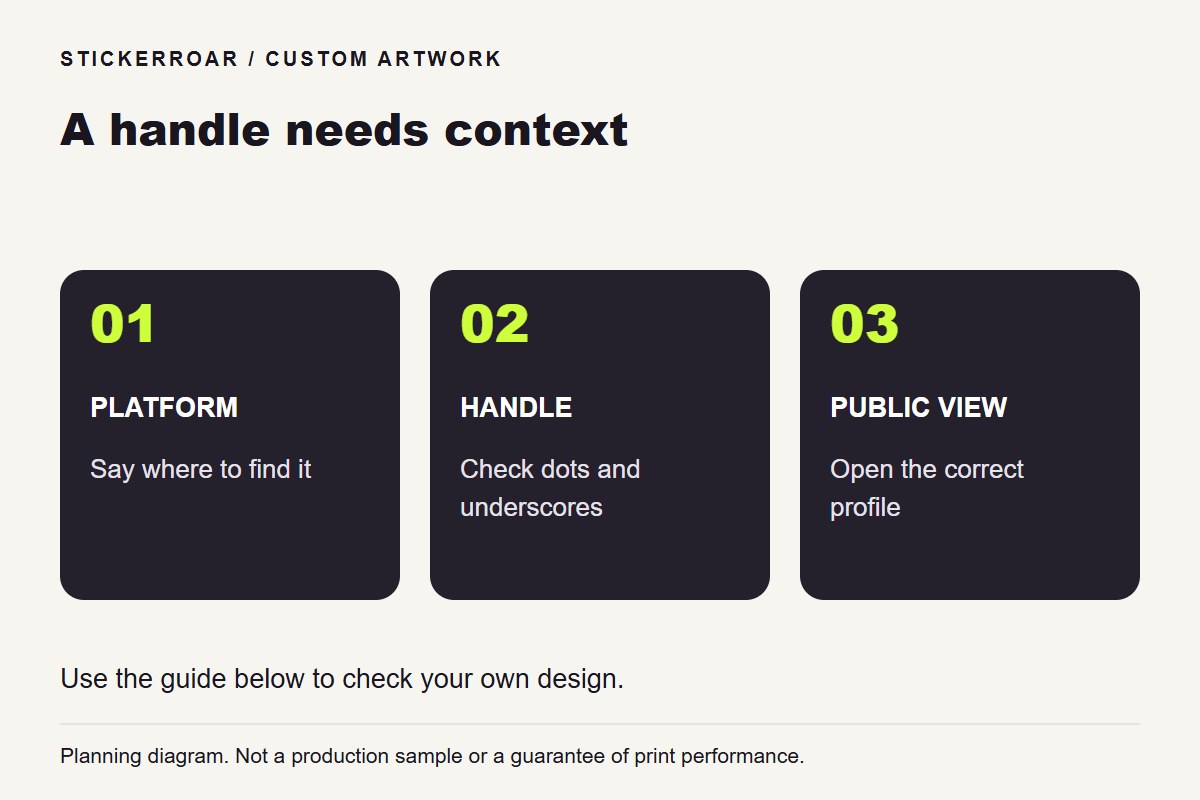
Planning diagram. View the full-size guide.
Make the destination understandable
A handle without a platform name may leave a viewer unsure where to search. Choose the specific public profile you want to share and make that context clear in the design. If you use a platform logo, use an asset you are authorized to reproduce and check its applicable usage guidance separately.
Keep the final handle exact. A display name and a username may be different, so confirm which one people can actually use to find the profile.
Test dots, underscores and similar characters
Small punctuation can disappear visually when a handle is reduced. Inspect underscores, periods and repeated letters at the planned dimensions. Ask another person to search for the profile using only a paper print of the design, without telling them the account name first.
If the handle is long, try a simpler layout with fewer competing elements. Shrinking it beneath a large decorative logo may make the most useful part of the sticker difficult to read.
Check the public experience
Open the profile from a browsing context that is not your usual signed-in account. Confirm that the name, profile picture and public information correspond to the account you intend to share. Decide whether this is a profile you want to keep using for the expected life of the sticker.
Prepare the finished artwork in PNG or JPEG and review it in the sticker editor. The editor does not connect the printed handle to an account or automatically update it later. Keep the exact approved file with the order request so a future change of username does not accidentally lead to a reorder of the old design.