THE STICKERROAR GUIDE
Turn a Child’s Drawing Into a Sticker: Capture the Whole Picture
Photograph or scan a drawing carefully, preserve its intentional marks and prepare a clean upload without losing the character of the original.
Updated
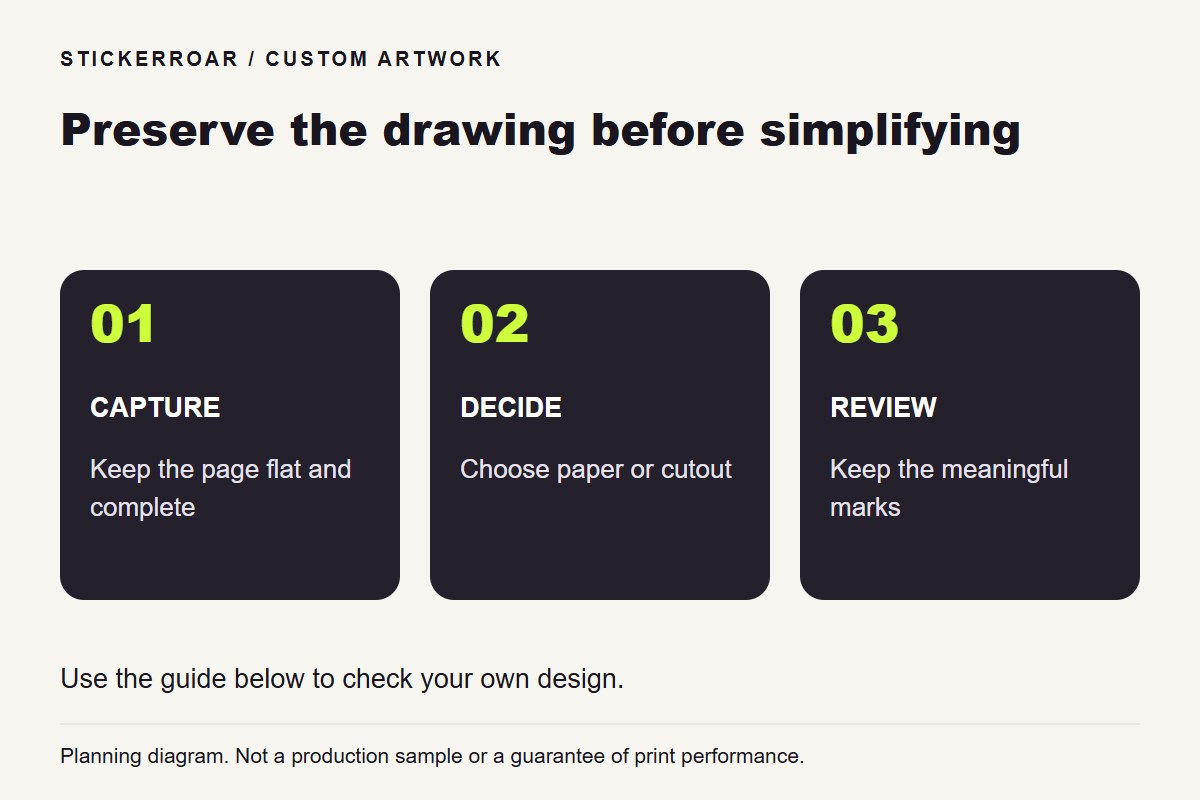
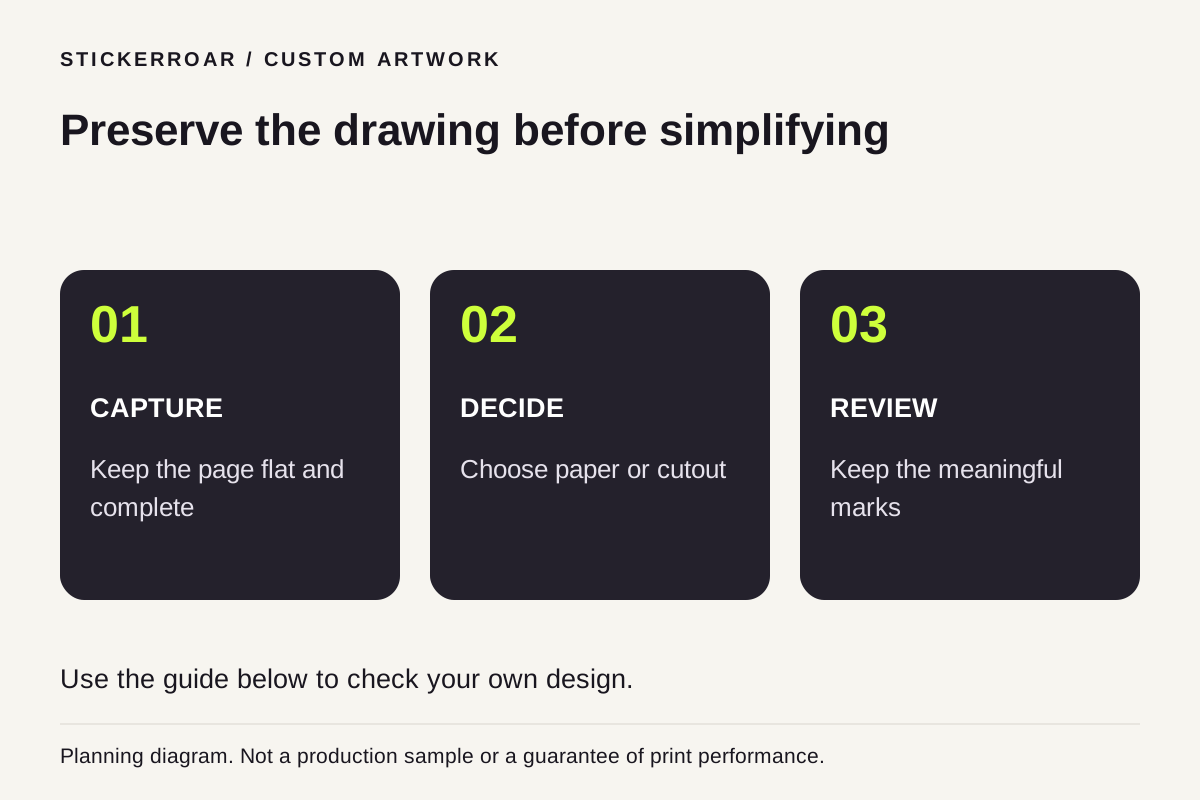
Planning diagram. View the full-size guide.
Capture the drawing before changing it
Place the drawing flat and capture the complete artwork with even lighting, or use a scanner if available. Keep the camera square to the page so one side is not visibly stretched. Avoid cutting off a signature, a tall shape or marks near the edge.
Save this original capture before making edits. The goal may be to preserve the drawing's personality rather than make every line look professionally redrawn.
Decide whether the paper belongs in the design
You can keep the whole drawing as a rectangular picture or prepare a cutout around the main subject. Decide that before removing the background. Pale pencil lines, light crayons and small disconnected marks can be difficult to distinguish from the paper, so inspect them carefully after any cleanup.
Ask which details are meaningful to the person who made the drawing. A small dot or unusual letter may be intentional. Do not assume a cleaner-looking version is automatically the preferred version.
Make a separate print export
Export PNG if you have prepared transparent areas, or JPEG/PNG if the page background is intentionally retained. Check the image outside the editing application and keep the original capture alongside the final export. Avoid using a screenshot of a small shared preview as the only source.
Upload the finished image and review the full outline, any detached-looking marks and the resolution notice at the proposed size. A scene mockup helps compare placement but is not a physical sample. Confirm the final artwork with the family before moving from the order request to production discussion.