THE STICKERROAR GUIDE
Understanding a Sticker Order Request Without Payment
See what an unpaid StickerRoar request saves, how to follow up and which details still need confirmation before payment or production.
Updated
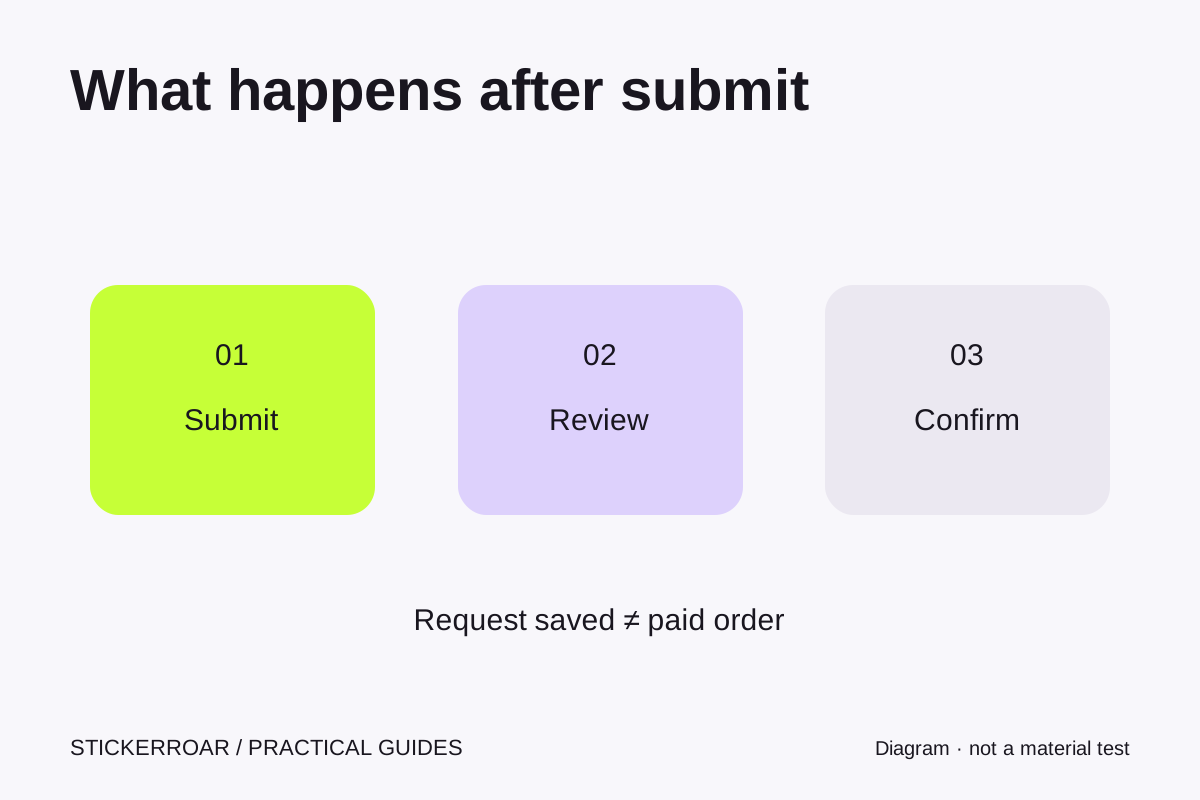
Submitting saves a request
StickerRoar currently accepts order requests without collecting payment. When you select an online pack, add it to your bag and complete the request form, the store saves the selected artwork, specifications, quantity, estimate and contact/delivery details. The confirmation page gives you a reference number.
That reference is evidence that the request was saved. It is not a payment receipt, approval to print, shipment booking or promise of a delivery date. Those later steps require a separate confirmation with the merchant.
Review the confirmation page
Check the design, dimensions, material, finish and quantity for each item. Review the sticker subtotal and shipping estimate separately. The store does not calculate tax at this stage. Confirm that your name, email, delivery address and any apartment or company details are accurate.
If something is wrong, do not submit the same request repeatedly to explain the change. Save the reference and use Contact to state what needs correcting. Include both the original value and the intended value, such as “change quantity from 25 to 50,” so the reviewer does not need to guess.
How follow-up works
The merchant can see the request in the private store workspace and record contact progress, notes and whether the request represents a confirmed interest. You can provide project context in your message, such as a size constraint, a white-ink requirement or uncertainty about the source image. The final specification should be clear before any payment or production discussion.
An automatic confirmation email is not currently sent. Save your reference number from the page. Our contact form is available for follow-up; if the merchant has published an email address or reply-time information, it appears on the contact page. Do not infer a guaranteed reply time from the fact that the request form is available at all hours.
Keep access in mind
The private order page belongs to the browser session that submitted it. A copied link alone does not open the order on another device. Clearing the session cookie can remove your access, and browser sessions expire. Keeping the reference number gives you a way to describe the request when contacting the merchant, but private information may still require verification before it can be shared.
Small-pack, large-size and general contact forms save inquiries rather than normal cart orders. They also provide a reference, and no payment is collected. If you need only one or two stickers, that inquiry route avoids forcing a bulk pack into your bag.
Before a future paid order, confirm the final design, dimensions, quantity, material, total price, delivery arrangements and applicable transaction terms. Read how order requests work and how to change or cancel a request if you need to revisit those boundaries.
This guide explains the current StickerRoar workflow. The diagram is an instructional illustration, not a physical material test.