THE STICKERROAR GUIDE
Website Addresses on Car Stickers: Keep the URL Readable
Choose a short, accurate website address, test it without your saved browser state and check the printed characters at the intended size.
Updated
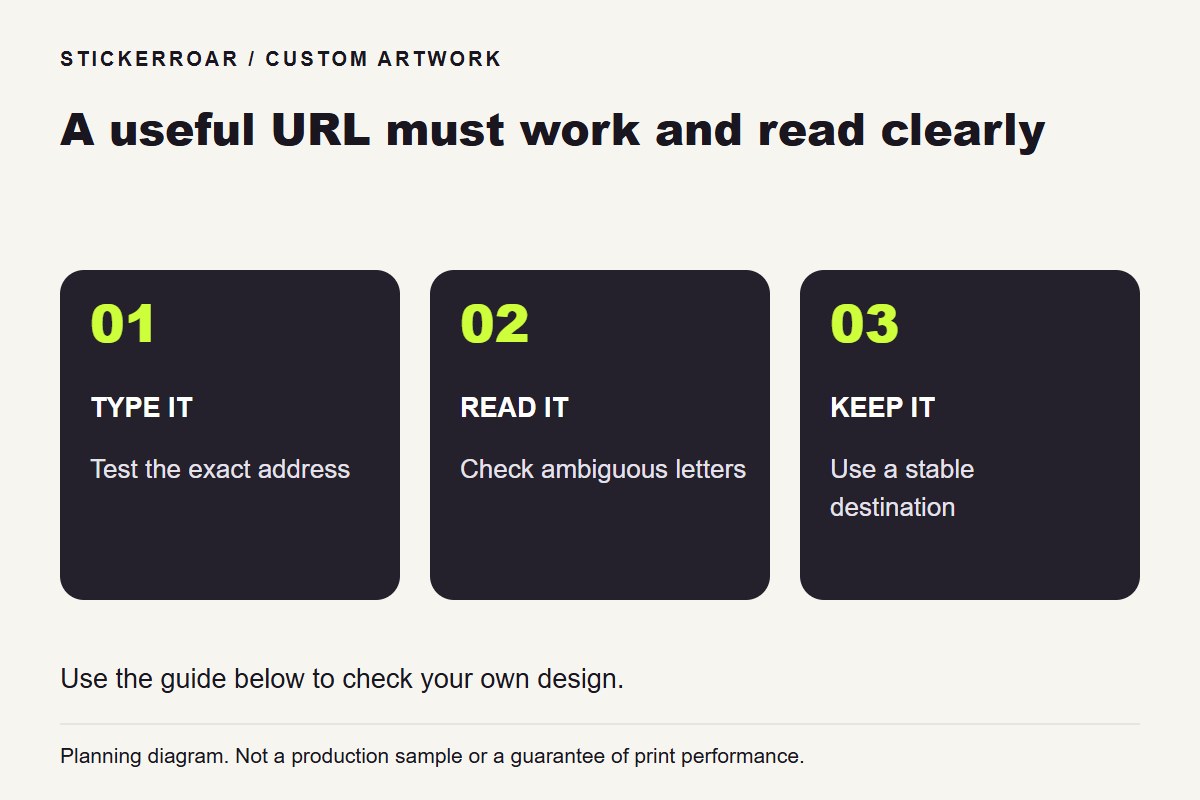
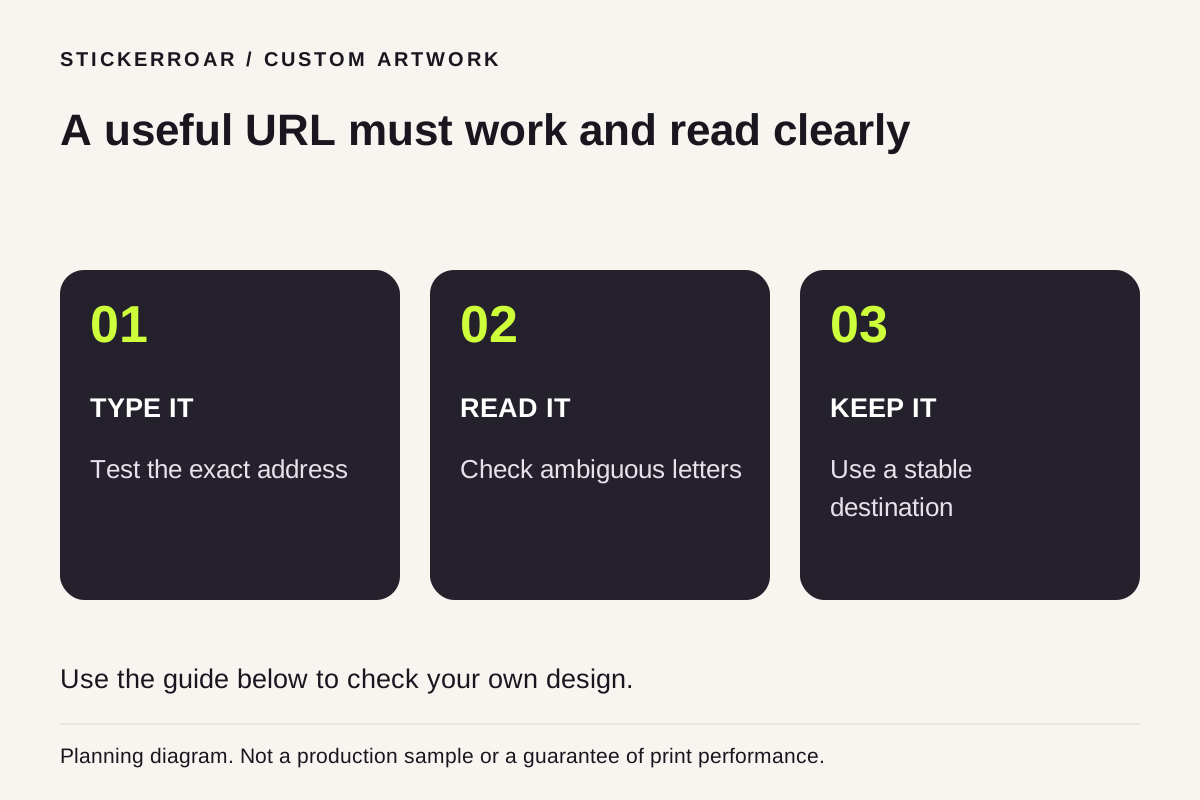
Planning diagram. View the full-size guide.
Print an address you can maintain
Choose a website address that is easy to type and likely to remain useful. A short address can be easier to lay out than a long product URL with many parameters. If you use a short path, verify that it actually reaches the correct page rather than assuming your website will redirect it.
Use your real destination in the final file. An example such as example.com/book is only a placeholder for planning and must not accidentally remain in production artwork.
Check characters that look alike
Inspect lower-case l, upper-case I, the number 1, zero and the letter O in the chosen typeface. Small punctuation, slashes and hyphens can be overlooked even when the business name is readable. Ask another person to type the address from the paper draft without being told what it should say.
Avoid introducing a line break that makes one address look like two separate pieces of information. If it will not fit clearly, consider a shorter working destination or a different layout instead of compressing the letters horizontally.
Test outside your usual browser session
Open the exact address in a fresh browsing context and on a phone. Confirm that visitors do not need an account to reach the intended public page. A successful visit from your own saved session may hide a login requirement or an incorrect redirect.
Once the wording is checked, export the complete artwork and upload it for a sticker preview. Review the final dimensions and border so no character sits uncomfortably close to the edge. Keep a copy of the exact printed address with your order information for future reorders.