THE STICKERROAR GUIDE
Writing Clear Design Notes for an Order Request
Write useful sticker order notes with an exact filename, desired result and unresolved question. Keep references separate and avoid vague automatic-edit requests.
Updated
What to know
A note can help the merchant understand your intent, but it does not automatically edit the image or guarantee a special production process. Describe the exact question and refer to the relevant part of the artwork. Prepare a revised file when the change needs to be visible in the design.
Check your plan
- Name the part of the design you mean.
- Separate a requested change from an existing feature.
- Ask for confirmation when the process is not supported online.
A practical example
'Please confirm whether this interior area can remain clear' is more specific than 'make it better.' The final print setup still needs review.
Use a short, specific note
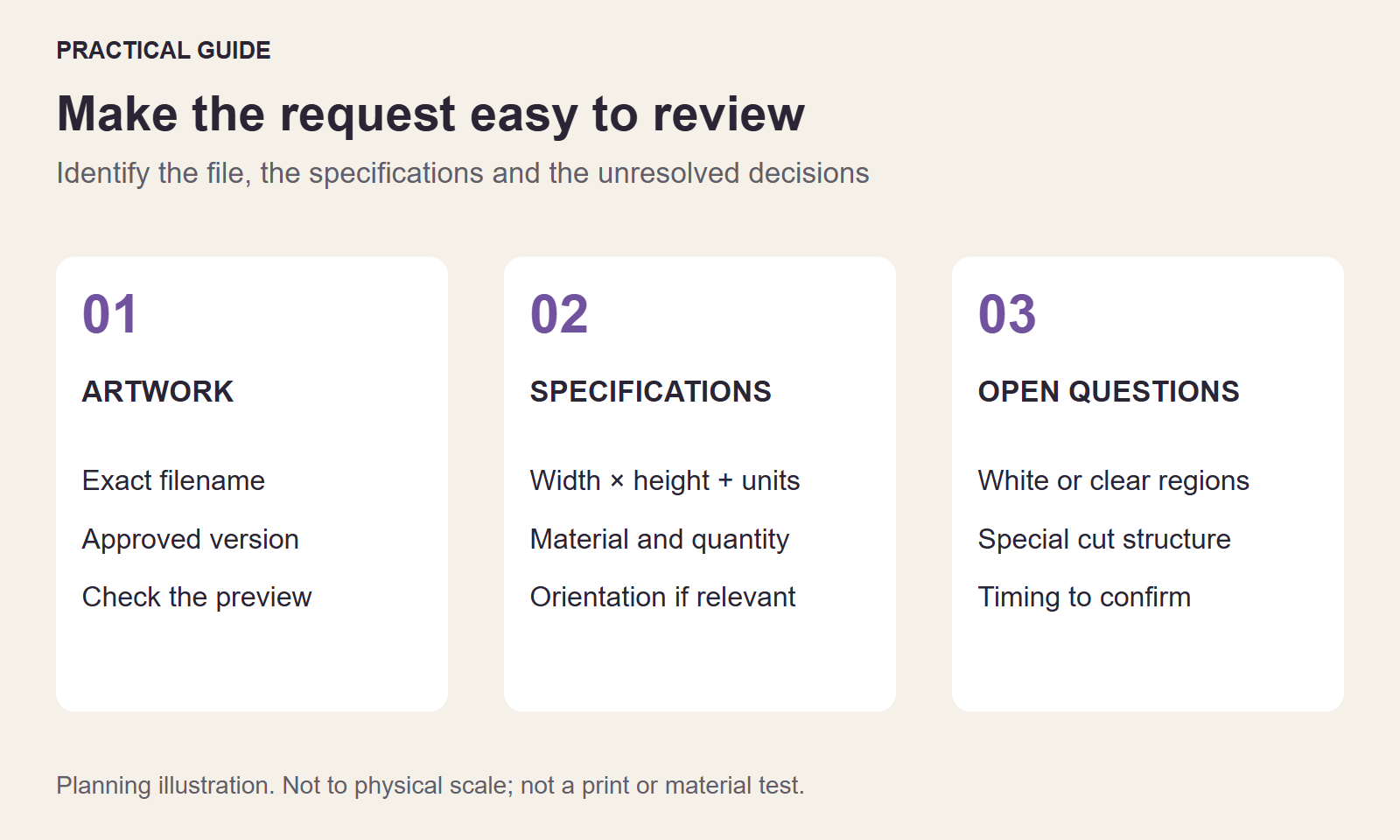
Start with the file or product, then describe the desired result and the question that needs an answer. For example: use club-badge-v03.png, 3 inches wide × 3 inches high. Keep the white club name visible. Please confirm whether the surrounding area can remain clear with the proposed material. This connects the request to an identifiable version and region of the design.
Separate a mandatory requirement from an optional preference. If the name must remain unchanged but the border color is flexible, say so. Otherwise a reviewer may spend time clarifying the wrong part of the artwork.
Resolve conflicts before giving approval
A note requesting different wording conflicts with an image that still shows the old words. Supply a corrected export or explicitly ask how the revision should be handled; do not assume the note edits the pixels. Keep arrows and explanatory labels in a separate reference rather than the print file.
When a reply answers only part of the request, keep the remaining question open. Confirm the exact version and intended treatment before moving ahead, especially when a material or white-ink decision changes what the artwork is meant to show.
Put the check into practice
Use your agreed file and specifications to prepare a custom sticker request. Keep the submitted version with your notes. Orders are requests without online payment; final production details require confirmation.
The cover is a schematic planning illustration for this topic, not a physical print sample or a measurement of your artwork.
