THE STICKERROAR GUIDE
Choosing a Border Color for the Intended Surface
Compare the outermost visible color with the object rather than choosing a border in isolation.
Updated

What to know
The border is the part of the design that meets the surface visually. A light border can separate dark artwork, while a dark border can define pale shapes. Review the complete edge and make sure the border is intentional artwork or a confirmed print treatment on the selected material.
Check your plan
- Identify the surface color.
- Compare two border treatments at the same size.
- Check narrow spaces where the border may crowd details.
A practical example
A white outline around a black cat can help on a dark object, but a broad white edge may dominate a very small design. Compare the balance at the finished size.
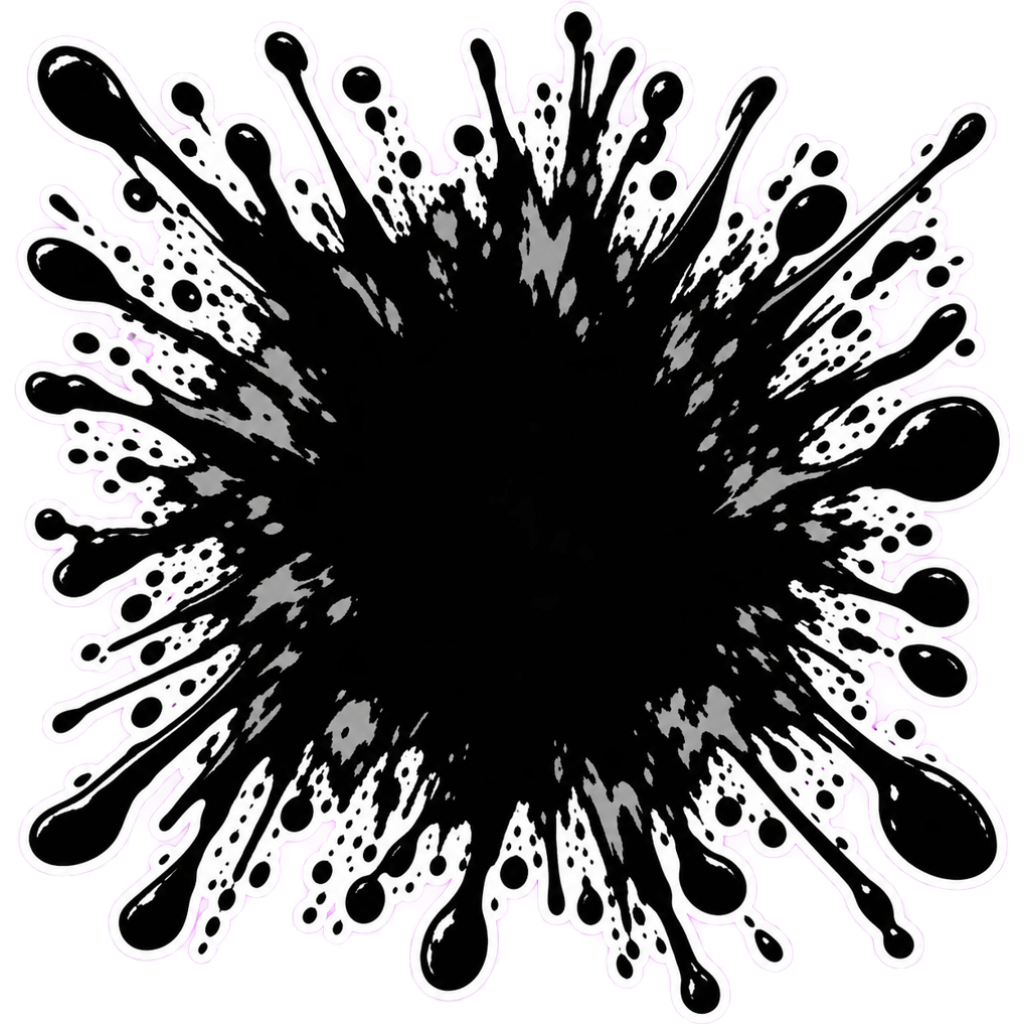
The cover shows a catalog artwork example. It is not a physical material test or an installation demonstration. Confirm product-specific requirements for your actual surface.
Explore the options
Browse abstract and symbol car stickers or prepare your own custom sticker. Product pages let you compare the artwork, size, material and pack quantity. You can submit an order request without payment; final details require confirmation.