THE STICKERROAR GUIDE
Choosing Holographic Material for Dark Artwork
Review dark printed areas and open spaces separately when exploring a special-effect base.
Updated
What to know
Dark artwork can cover much of a special-effect background, while open or differently printed areas may reveal it. The exact production result depends on the print setup. Use the preview to identify the intended relationship and confirm it before treating the screen effect as a finished sample.
Check your plan
- Map large dark areas.
- Identify where you want the effect visible.
- Confirm the print and white-ink arrangement.
A practical example
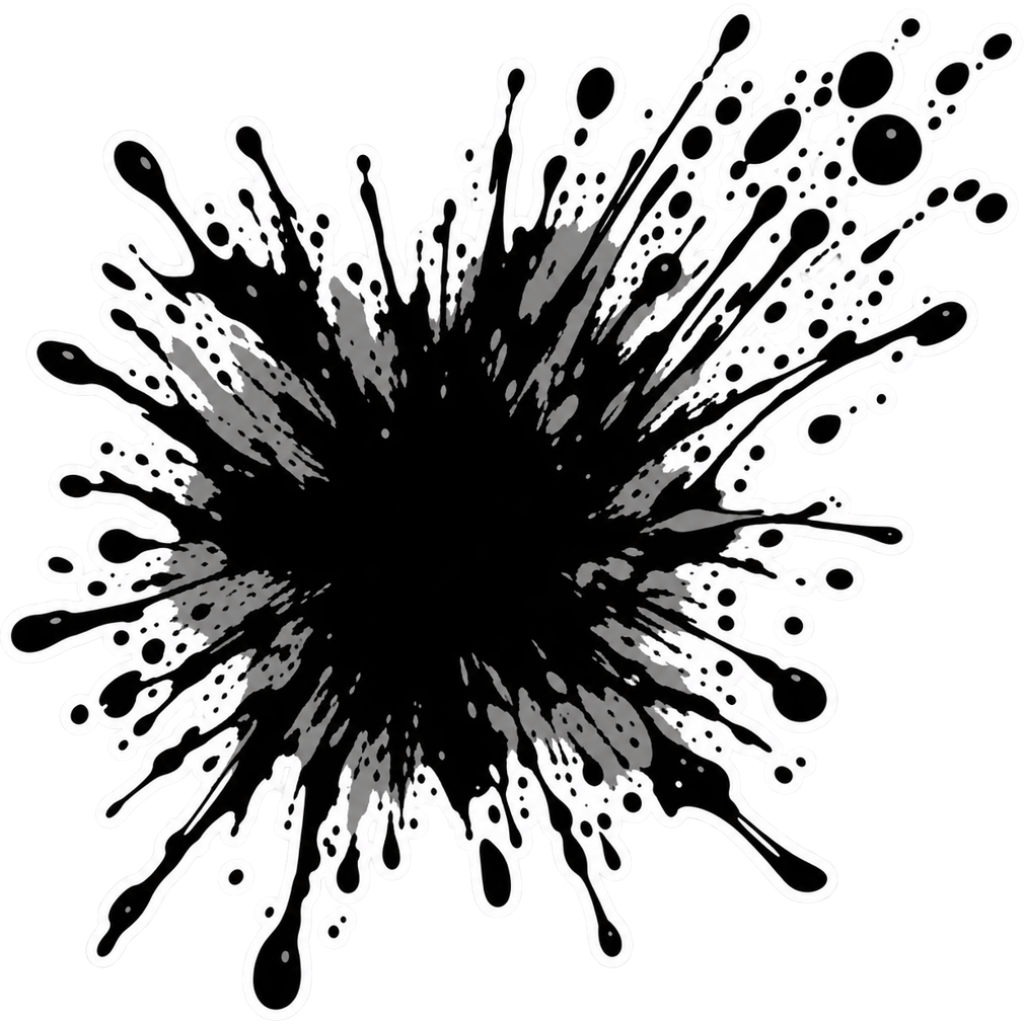
A mostly black emblem with small open gaps creates different opportunities for a visible effect than a sparse line drawing. Do not expect both to reveal the base in the same way.
The cover shows a catalog artwork example. It is not a physical material test or an installation demonstration. Confirm product-specific requirements for your actual surface.
Explore the options
Browse abstract and symbol car stickers or prepare your own custom sticker. Product pages let you compare the artwork, size, material and pack quantity. You can submit an order request without payment; final details require confirmation.