THE STICKERROAR GUIDE
HEIC Photos for Stickers: Convert, Then Check the Export
Convert a phone’s HEIC photo to a supported JPEG or PNG while keeping the original and checking dimensions, orientation and image detail.
Updated
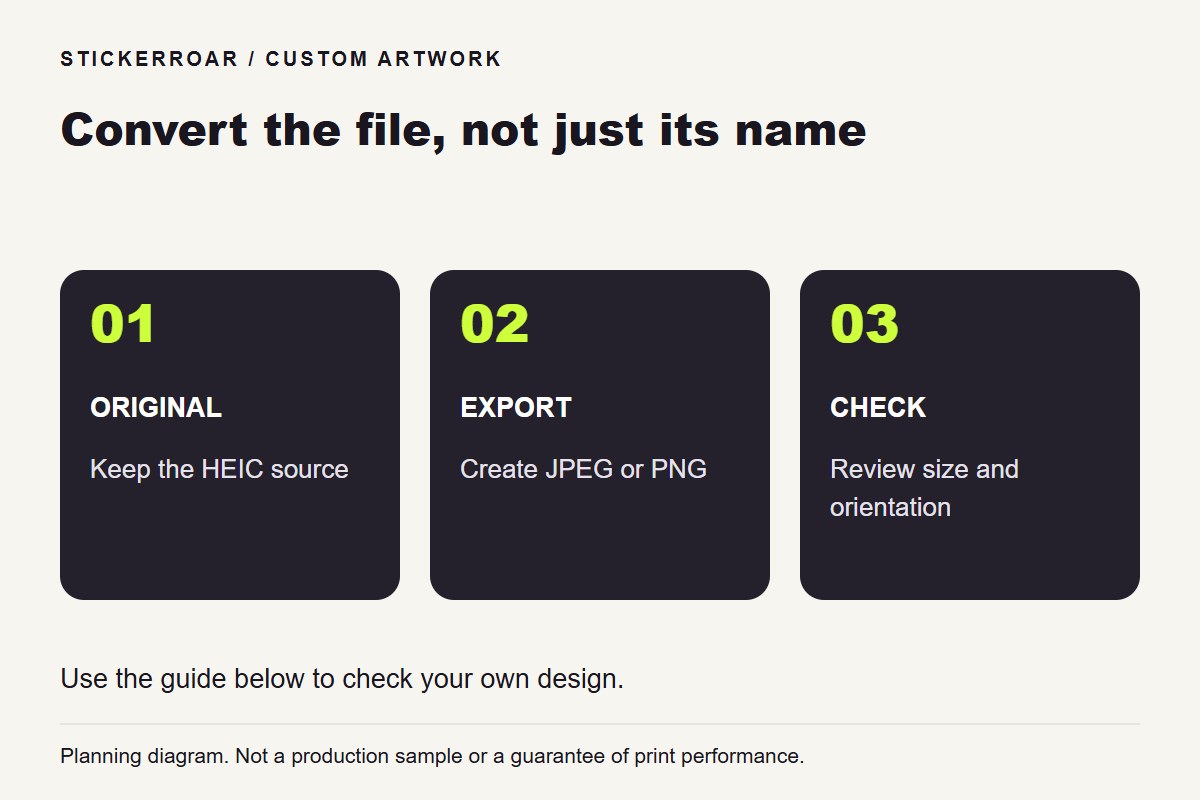
Planning diagram. View the full-size guide.
Keep the original photo
Some phones save photographs in HEIF/HEIC format. The current StickerRoar uploader accepts PNG and JPEG, so a HEIC source needs a genuine conversion before upload. Renaming the extension from .heic to .jpg does not perform that conversion.
Keep the original file and make a separate exported copy. Apple explains supported sharing and conversion options in its HEIF media guidance; the exact route depends on the device and application you use.
Check what the conversion produced
Open the exported image and confirm its file type, pixel dimensions and orientation. Some sharing paths produce a reduced-size copy, so do not assume every JPEG export preserves the original dimensions. Inspect important faces, text and edges rather than judging only the file size in megabytes.
If the photo includes an intentional background, a JPEG may be suitable. If you later prepare a cutout with transparent areas, export that edited version as PNG. The PNG and JPG guide explains the difference.
Review the final sticker composition
Conversion makes the file compatible; it does not decide the crop or cut line. Choose whether the sticker should contain the whole photograph or only its subject, then inspect background removal and the border in the editor.
Keep the upload within the current 12 MB limit without needlessly shrinking a good source. If a very large file needs reducing, retain a separate original and check the result at the intended print dimensions. Upload the exported artwork once the file is ready, and review the resolution notice before submitting your order request.