THE STICKERROAR GUIDE
Does Changing DPI Improve a Sticker Image?
Distinguish the resolution label from actual pixel detail, and use a worked example to check what happens when the same image is printed larger.
Updated
Planning diagram. View the full-size guide.
Check the pixel dimensions first
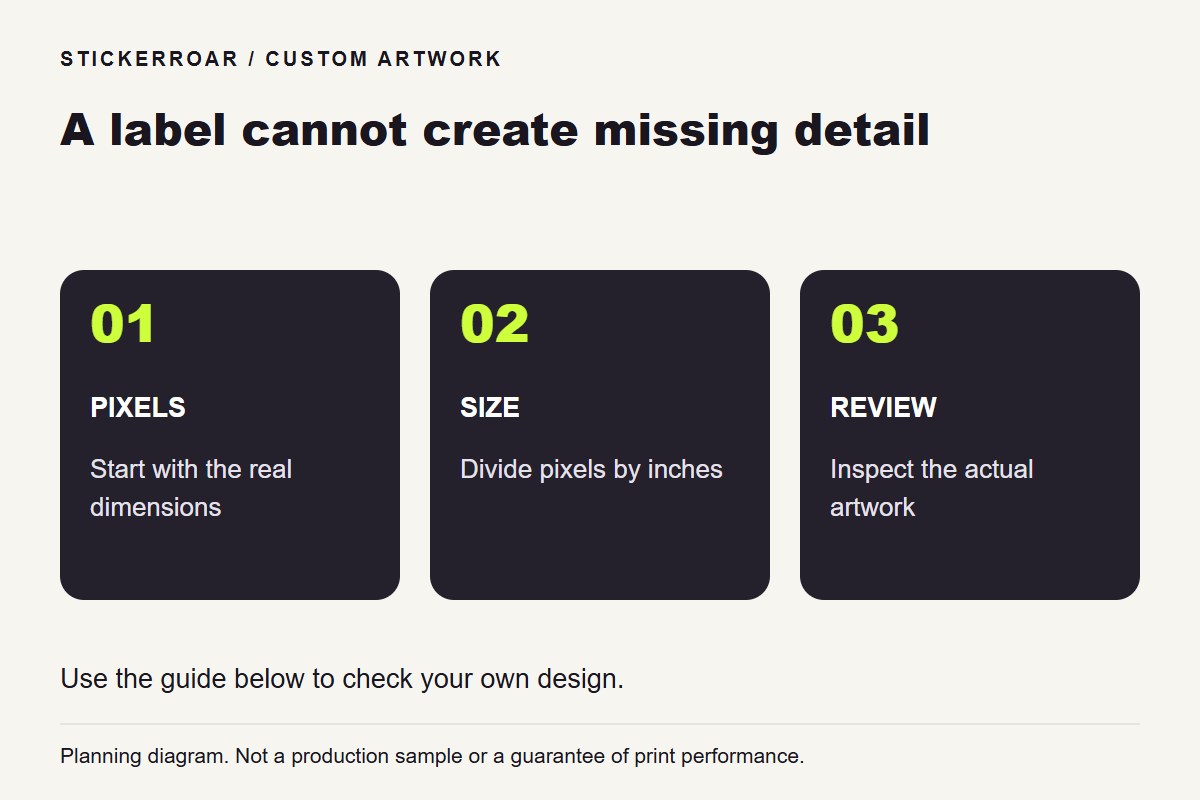
Changing a file's resolution label does not necessarily add image detail. When the pixel dimensions stay the same, the same pixels are simply assigned a different physical size. Resampling changes the pixel count, but it cannot recover details that were never captured in the original.
Adobe's image-size and resolution explanation distinguishes the physical dimensions, resolution setting and resampling option. In sticker preparation, keep those decisions separate instead of treating a “300 DPI” label as proof of quality.
Compare two exports without enlarging either
Make a copy of the source and note its pixel width and height. In software that lets you change resolution without resampling, change only that setting. Check the dimensions again. If both copies still contain the same number of pixels, the new label has not supplied a higher-detail source for the sticker editor.
Compare both files at the same zoom, especially around lettering and edges. If you enable resampling for another export, inspect that version separately: smoother-looking edges and a larger pixel count do not prove that missing letters or texture have been restored. Retain the original so you can undo an unhelpful conversion.
Improve the source rather than only the label
If a small file looks blurred, return to a larger original, a better photograph or the editable drawing where available. Export at suitable dimensions and inspect the result. Avoid saving a screenshot of an enlarged preview and treating that larger screenshot as restored detail.
After uploading the artwork, choose the intended dimensions and read the resolution notice. Review both width and height, especially after cropping. Use our resolution-warning guide for the interface-specific checks, and confirm production suitability when the design depends on very fine detail.