THE STICKERROAR GUIDE
Sticker Drop Shadows: Printed Artwork or Preview Effect?
Decide whether a shadow belongs in the print file or only in a mockup, and check its effect on the outline before ordering.
Updated
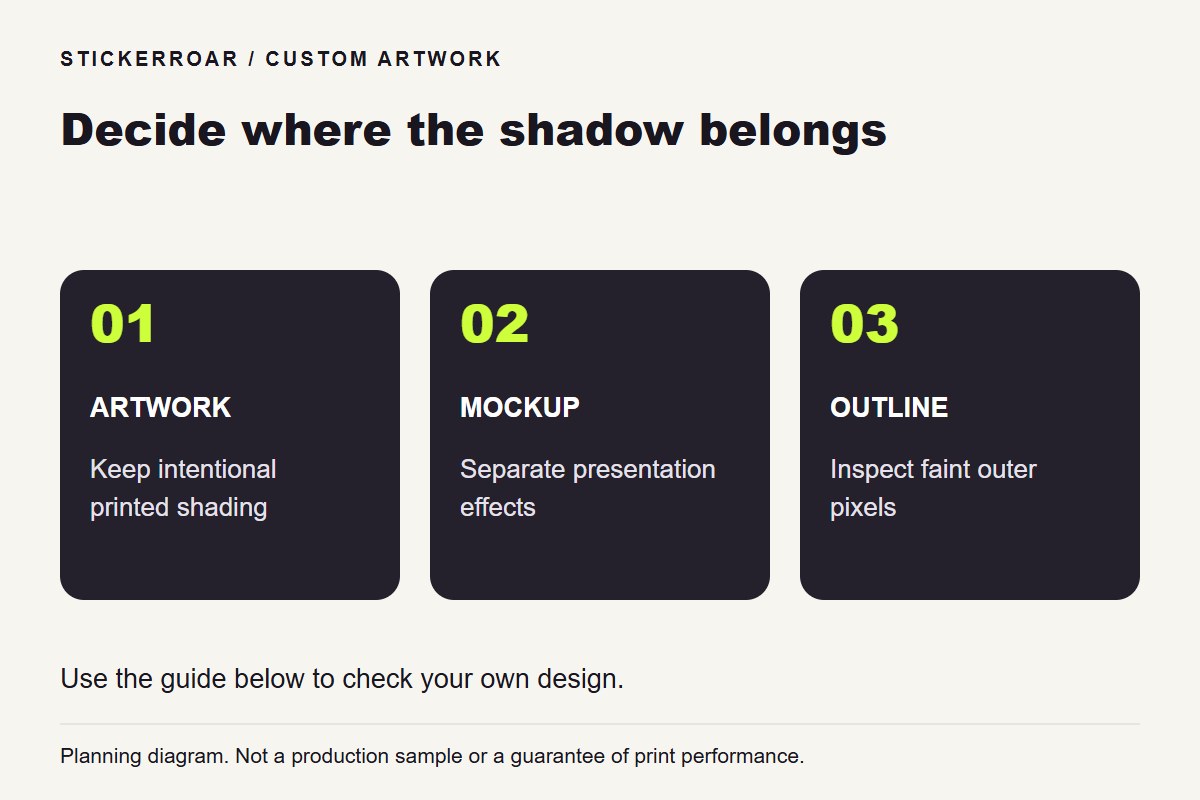
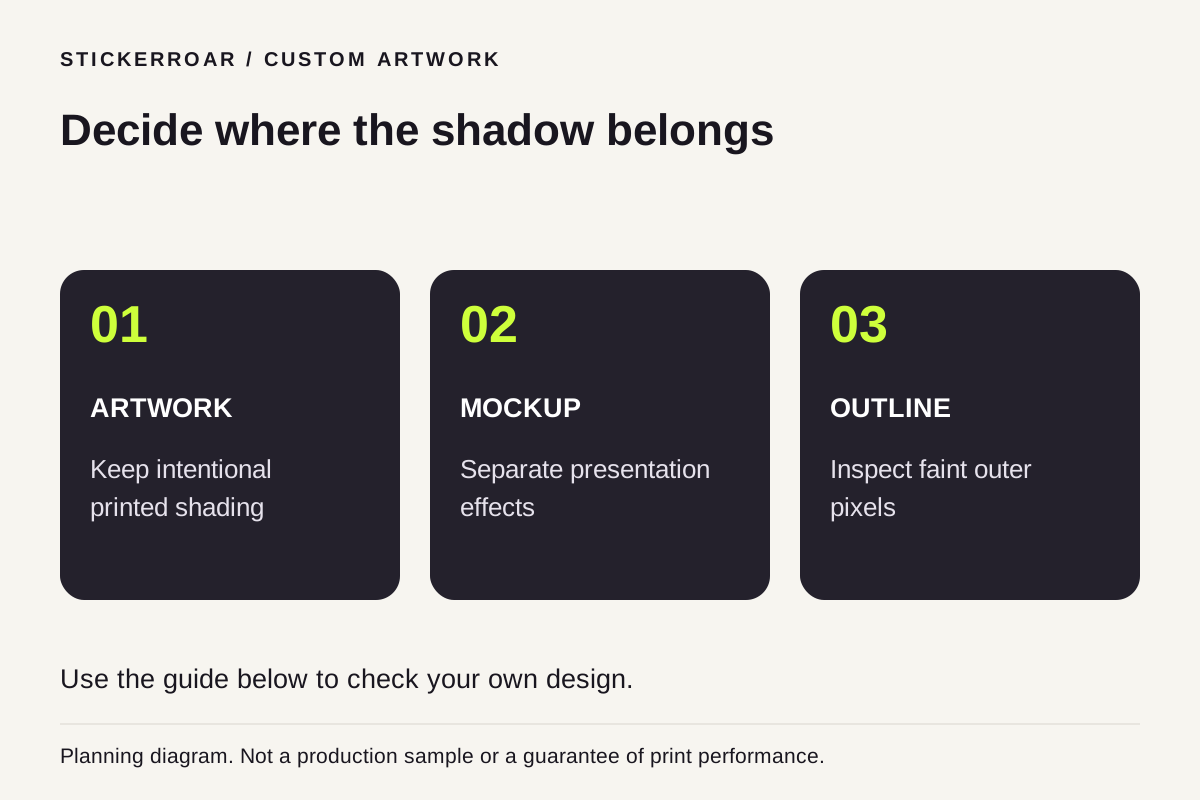
Planning diagram. View the full-size guide.
Identify the source of the shadow
A shadow can be part of an illustration, an effect added by the design application or a visual aid in a product mockup. These are not interchangeable. If a shadow is saved as pixels in the uploaded image, it may be treated as part of the artwork rather than as a removable preview effect.
Open the exported file by itself and compare it with the editable source. Decide whether you want that shaded area physically printed or whether it was only intended to make the design look raised on screen.
Inspect the faint outside pixels
A soft shadow may extend beyond the main subject. Those faint pixels can affect how an automatic outline interprets the edge. Inspect the cut preview around the entire design, including areas that look nearly invisible on a light background.
If the intended sticker should follow the main subject without the surrounding shadow, prepare an export that reflects that choice. Keep the editable original so you can compare versions rather than destructively changing the only file.
Separate thickness from illustration
A rendered drop shadow can make a flat graphic look thick in a mockup. It does not mean the finished product is a plaque or raised object. StickerRoar's printed PVC is a flexible sticker; confirm any physical construction requirement independently from the screen effect.
Upload the chosen version and compare the outline and border. If fine shaded edges are essential to the design, note them for review rather than assuming automatic removal will preserve exactly the desired amount. See checking artwork after background removal for a systematic final check.