THE STICKERROAR GUIDE
Checking Artwork After Background Removal
Compare the processed preview with the original before treating a cleaner outline as an improvement.
Updated

What to know
A background-removal result can look tidy while losing a meaningful part of the picture. Inspect both the outside edge and enclosed details. If the result changes the design, switch back to the original or prepare a corrected transparent source rather than accepting the loss for convenience.
Check your plan
- Check the outline all the way around.
- Inspect white and background-colored interior details.
- Compare the subject's overall proportions.
A practical example
A character's hand touching a similarly colored background may be partly removed. The outline should be reviewed as artwork, not judged only by how much background disappeared.
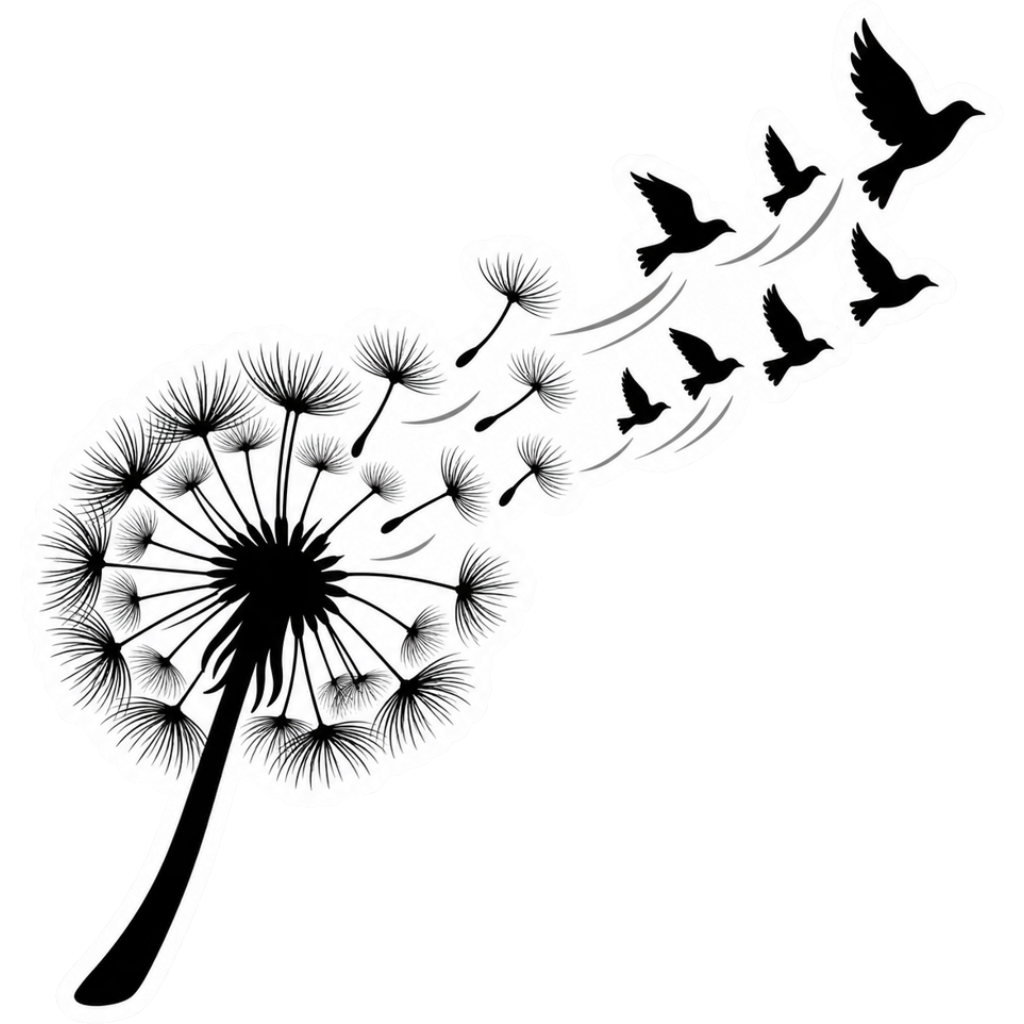
The cover is an artwork example from the catalog. Use the measurements and file checks above to evaluate your own project, rather than treating the image as a scale reference.
Explore the options
Browse flower and botanical car stickers or prepare your own custom sticker. Product pages let you compare the artwork, size, material and pack quantity. You can submit an order request without payment; final details require confirmation.