THE STICKERROAR GUIDE
Preparing Solid-Color Backgrounds for Auto Outline
Use a clean connected background when trying the editor's automatic outline on a flattened image.
Updated
What to know
A solid outer background can be easier to separate than a photograph or gradient. The result still depends on how that background meets the artwork. Inspect thin edges and areas where the same color appears inside the design; automatic processing is a preview that needs your review.
Check your plan
- Keep the outer background consistent.
- Check where artwork touches the image boundary.
- Compare the processed result with the original file.
A practical example
A bright pink outer area may separate cleanly from a dark character, but pink details inside the character still need to remain part of the artwork.
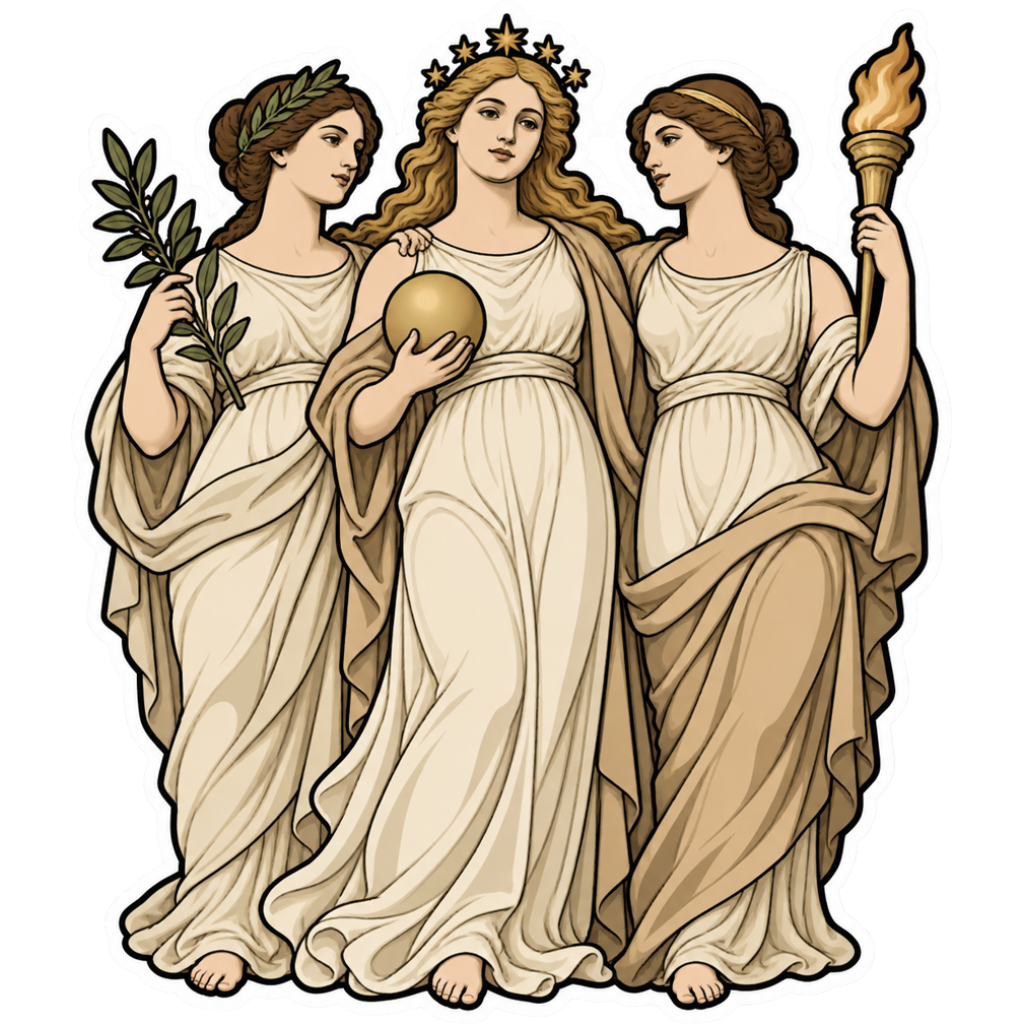
The cover is an artwork example from the catalog. Use the measurements and file checks above to evaluate your own project, rather than treating the image as a scale reference.
Explore the options
Browse fantasy character car stickers or prepare your own custom sticker. Product pages let you compare the artwork, size, material and pack quantity. You can submit an order request without payment; final details require confirmation.