THE STICKERROAR GUIDE
Reviewing Artwork Without Relying on a Mockup
Inspect the flat artwork separately from the scene so lighting and perspective do not hide problems.
Updated
What to know
A scene can make a design feel convincing while making fine details harder to inspect. Use the flat design view to check wording, edges and missing elements. Then return to the scene to compare placement and scale; the two views answer different questions.
Check your plan
- Read text in the flat design view.
- Check edges without perspective distortion.
- Use the scene only after the artwork looks correct.
A practical example
A bright scene reflection can make pale lettering look attractive but difficult to read. The flat view helps reveal whether the lettering has enough separation in the artwork itself.
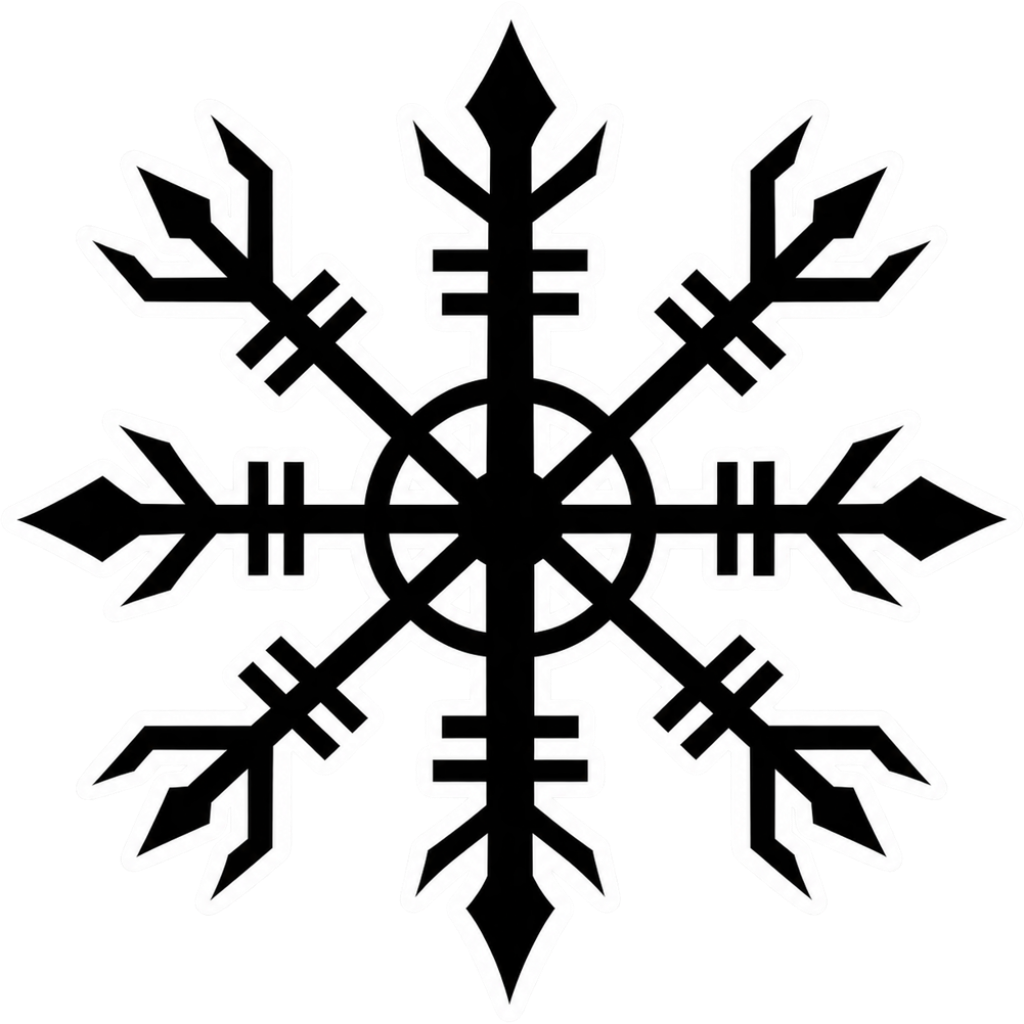
The cover is an artwork example from the catalog. Use the measurements and file checks above to evaluate your own project, rather than treating the image as a scale reference.
Explore the options
Browse abstract and symbol car stickers or prepare your own custom sticker. Product pages let you compare the artwork, size, material and pack quantity. You can submit an order request without payment; final details require confirmation.