THE STICKERROAR GUIDE
Checking Sticker Specifications in the Cart
Use the cart as a final comparison between your plan and the saved order configuration.
Updated
What to know
The cart brings the artwork and specifications together. Review material, finish, dimensions, quantity and image mode for each item. A preview can look familiar while one setting differs from your plan, so read the text summary as well as the image.
Check your plan
- Compare every item with your size notes.
- Read material and finish names.
- Check whether the original or processed image is selected.
A practical example
Two copies of the same artwork can have different sizes or finishes. The image alone may not make that difference obvious, but the item summary should.
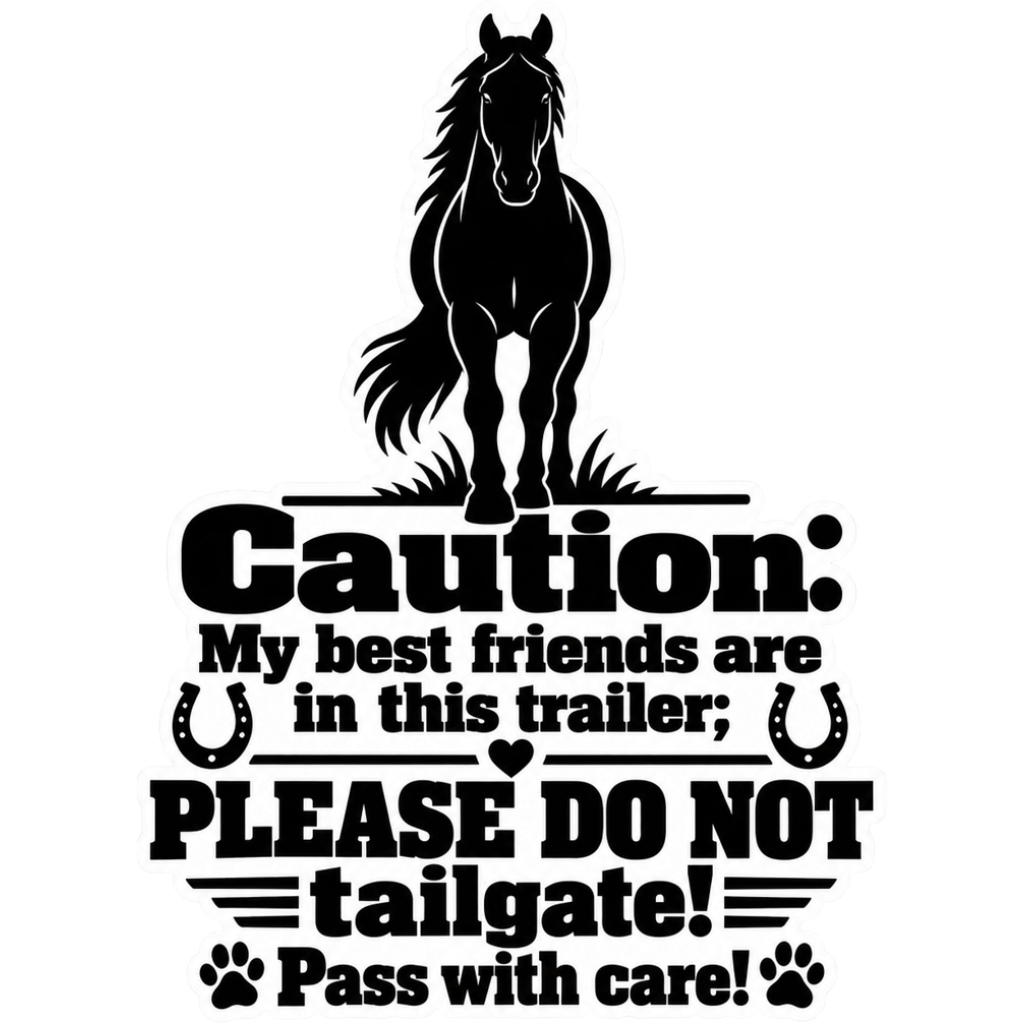
The cover is an artwork example from the catalog. Use the measurements and file checks above to evaluate your own project, rather than treating the image as a scale reference.
Explore the options
Browse animal car stickers or prepare your own custom sticker. Product pages let you compare the artwork, size, material and pack quantity. You can submit an order request without payment; final details require confirmation.

