THE STICKERROAR GUIDE
Why Screen Brightness Changes Your Color Judgment
Compare artwork under a consistent display setting and avoid treating screen brightness as a print adjustment.
Updated
What to know
A bright display can make an image feel more luminous than the physical object you are imagining. Lowering or raising screen brightness changes your view without changing the uploaded file. Use consistent conditions for comparisons and ask for a physical reference when the exact color is important.
Check your plan
- Keep display settings steady while comparing designs.
- Review the actual export rather than a filtered screenshot.
- Use a sample for critical color expectations.
A practical example
If a design only looks right at maximum screen brightness, inspect it under more ordinary settings before deciding that the file is ready for printing.
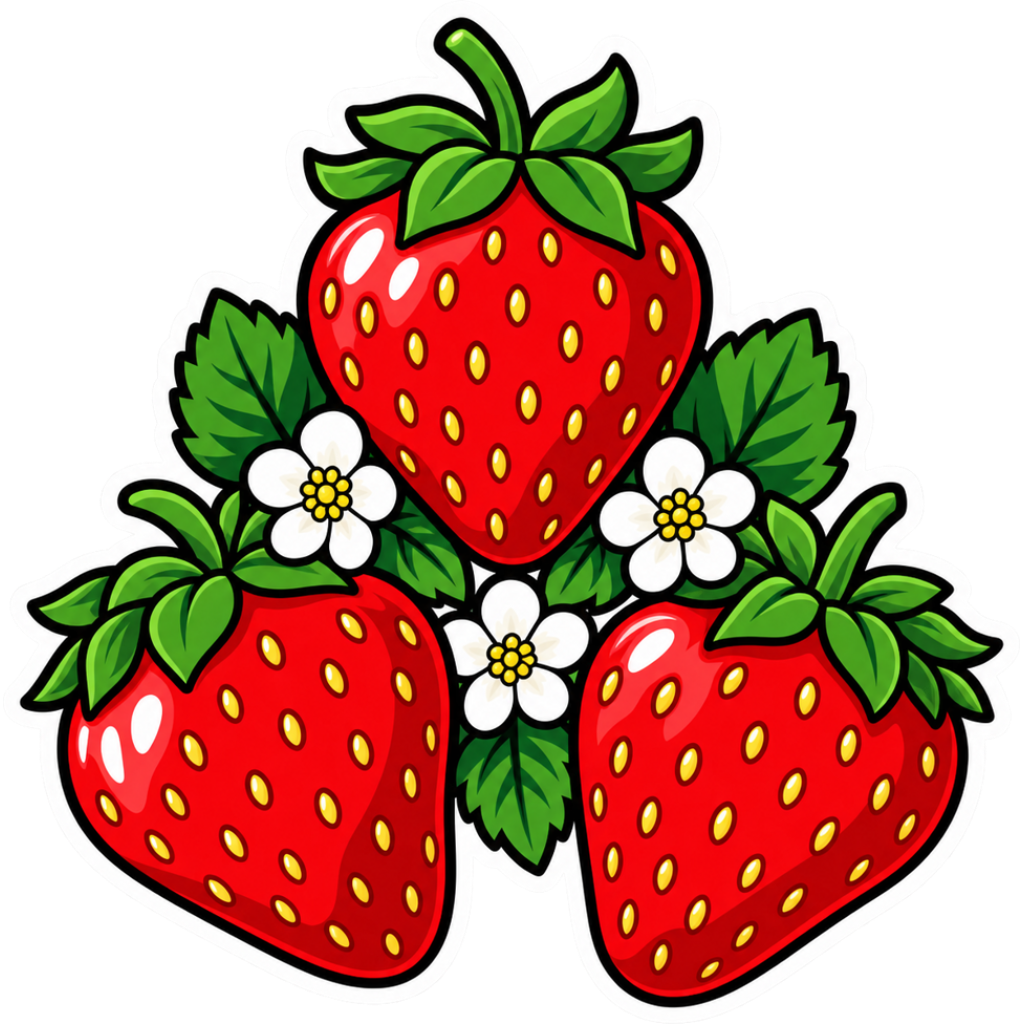
The cover shows a catalog artwork example. It is not a physical material test or an installation demonstration. Confirm product-specific requirements for your actual surface.
Explore the options
Browse flower and botanical car stickers or prepare your own custom sticker. Product pages let you compare the artwork, size, material and pack quantity. You can submit an order request without payment; final details require confirmation.