THE STICKERROAR GUIDE
Why the Same Sticker Looks Different on a Screen
Separate browser zoom, display size and preview scale from the physical dimensions of your order.
Updated
What to know
A preview can fill a laptop screen without representing a large print. Browser zoom and display density change its apparent size. Use the dimension labels to understand the order, and use a ruler or paper template to decide how the sticker will look on your belongings.
Check your plan
- Read the dimension labels before judging scale.
- Compare the same design at two nearby sizes.
- Check a physical mockup on the intended surface.
A practical example
A design shown at 100% browser zoom is not automatically life-size. The relevant measurement is the finished size saved in the configuration.
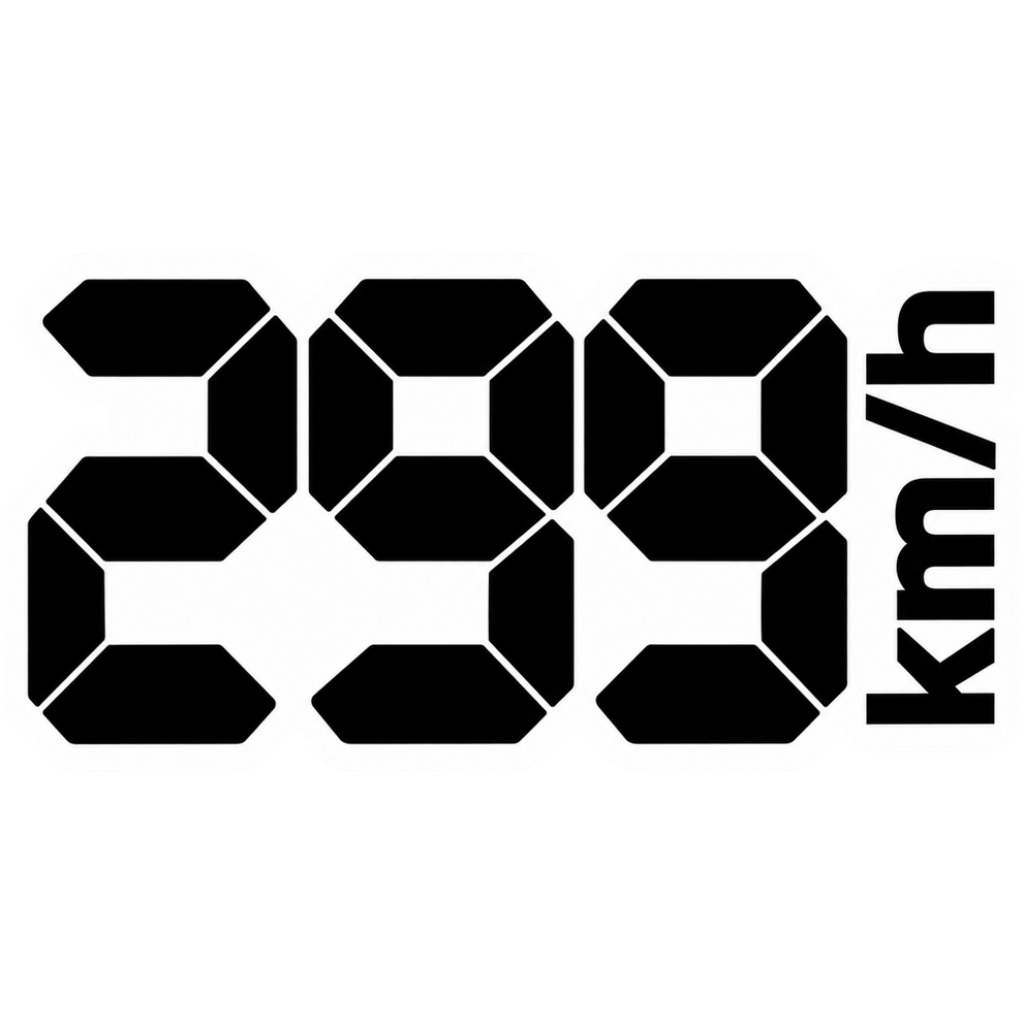
The cover is an artwork example from the catalog. Use the measurements and file checks above to evaluate your own project, rather than treating the image as a scale reference.
Explore the options
Browse racing and garage car stickers or prepare your own custom sticker. Product pages let you compare the artwork, size, material and pack quantity. You can submit an order request without payment; final details require confirmation.