THE STICKERROAR GUIDE
White PVC or Clear Stickers for Your Design
Compare White PVC and Clear for the same artwork. Learn how the backing, white ink and mounting surface affect pale details, lettering and your preview.
Updated
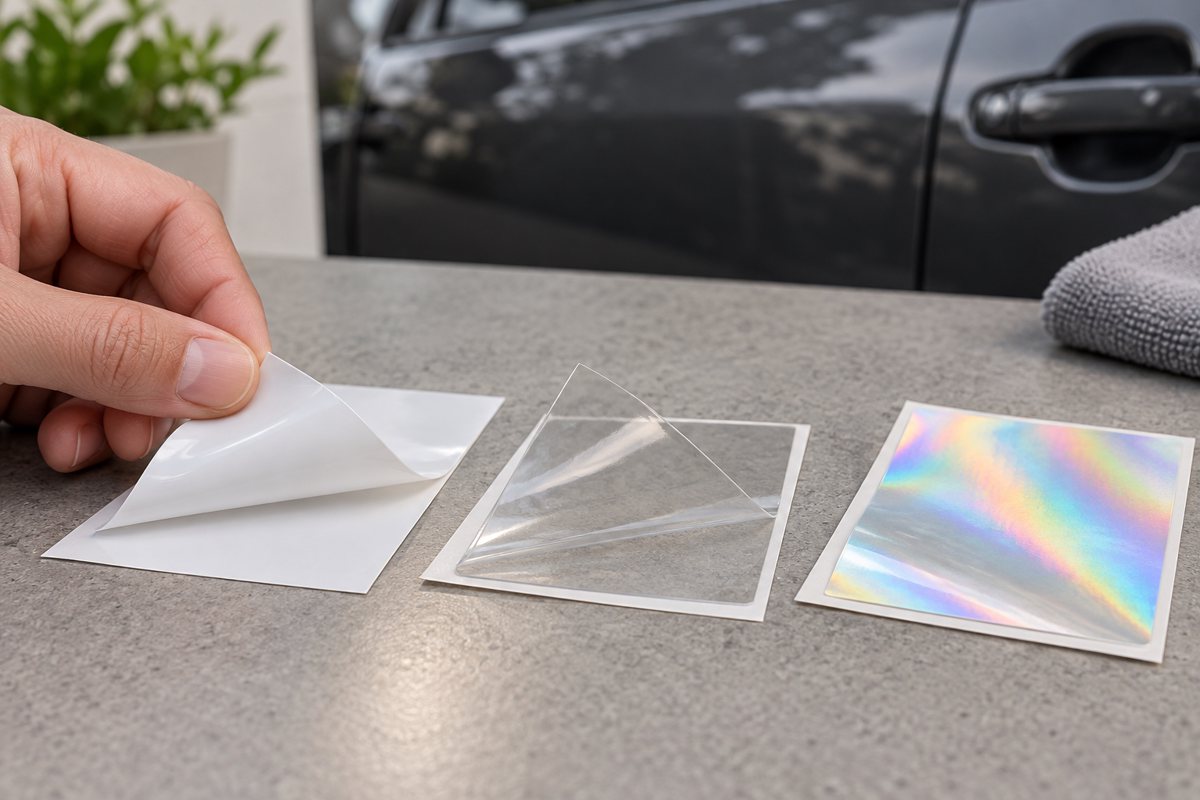
Illustrative scene. Material appearance and application conditions vary.
Choose White PVC when an opaque white base is part of the design. Consider Clear when you want the mounting surface to show between printed elements; confirm where white ink is needed before production. A transparent PNG alone does not decide the physical material.
Start with the base underneath the print
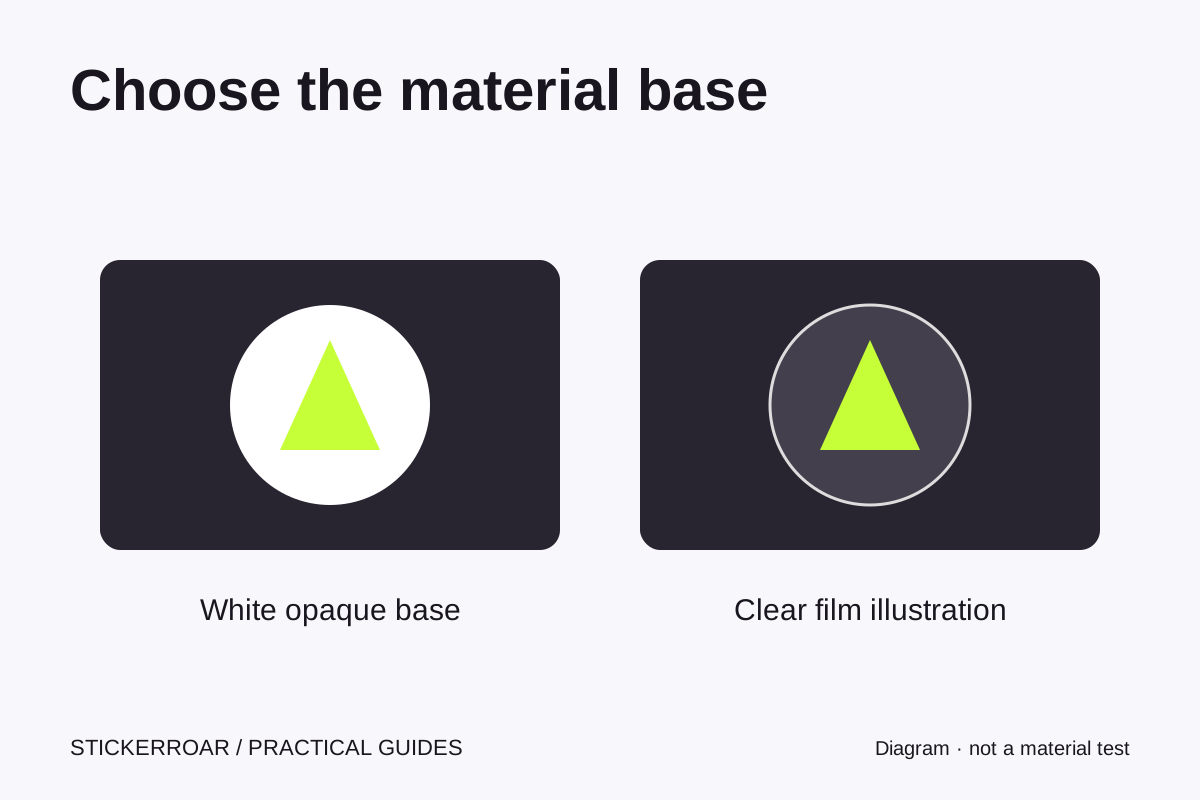
White PVC has an opaque white base. Clear has a transparent film base, so unprinted areas can reveal the mounting surface. Both are physical films: choosing Clear does not turn a printed sticker into individually cut lettering or a background-free transfer.
Compare the same artwork on two backgrounds
Imagine a design with a black outline, yellow center and white petals. On White PVC, the white base sits behind the colors and can provide the white petals. On Clear, the result depends on the white-ink plan: an unprinted petal can reveal the surface, while a petal printed with white ink can remain white. This is a conceptual comparison, not a measured print sample.
Against a pale panel, black lines can be easy to distinguish. Against dark paint, those same lines may blend into the background. White or pale lettering also needs a deliberate ink plan on Clear. Compare both the color of your artwork and the intended mounting surface before choosing the material.
A transparent PNG is a file property
A PNG can have transparent pixels while the finished sticker still uses White PVC. Conversely, choosing Clear does not remove unwanted pixels from an uploaded JPEG. First check the background removal and any intentional white artwork; then select the physical material and review the final cutline. Check whether a PNG is really transparent.
What the material preview can tell you
Keep the same artwork, size and scene while switching materials. The screen preview helps you compare contrast and composition. Our Clear effect changes the appearance of pale areas, so it cannot decide which whites are intentional or confirm the final ink opacity. Tell the reviewer where white ink is needed and where the surface should show through.
White PVC is a useful starting point when an opaque base is part of the design. Consider Clear when seeing the surface between printed elements is part of the intended look. Final edges, white-ink coverage, surface suitability and any physical sample requirements need confirmation.
Turn your choice into a design note
For the flower example above, compare these two requests. They describe the intended result, not an approved print specification:
- White PVC: "Black outline, yellow center and white petals. Keep an opaque white base behind the complete flower. Please check the finished edge and border."
- Clear: "Black outline, yellow center and white petals on a dark gray panel. I want the petals to remain white and the spaces between them to show the panel. Please confirm the white-ink coverage and final outline."
Replace the artwork and surface details with your own, then add the note in the editor. Request a review if the Clear preview makes an intentional white area disappear. A screen effect cannot confirm physical ink coverage or adhesion.
Choose a material and send your request
Preview your artwork on White PVC or preview it on Clear. For more information about the Clear service, see custom clear car stickers. If the base is already decided, compare the separate matte versus glossy finish choice. For the difference between a film-backed print and a transfer, read printed stickers versus transfer decals.
Material names alone do not establish wash resistance, outdoor lifespan or removability. This guide explains appearance and the current ordering workflow. You can submit a request without online payment; confirm the actual production specification before proceeding.