THE STICKERROAR GUIDE
Car Club Stickers: Approve Artwork and Count Every Version
Plan a car club sticker order with approved logo files, separate chapter versions, a worked quantity example and a clear record for future reorders.
Updated
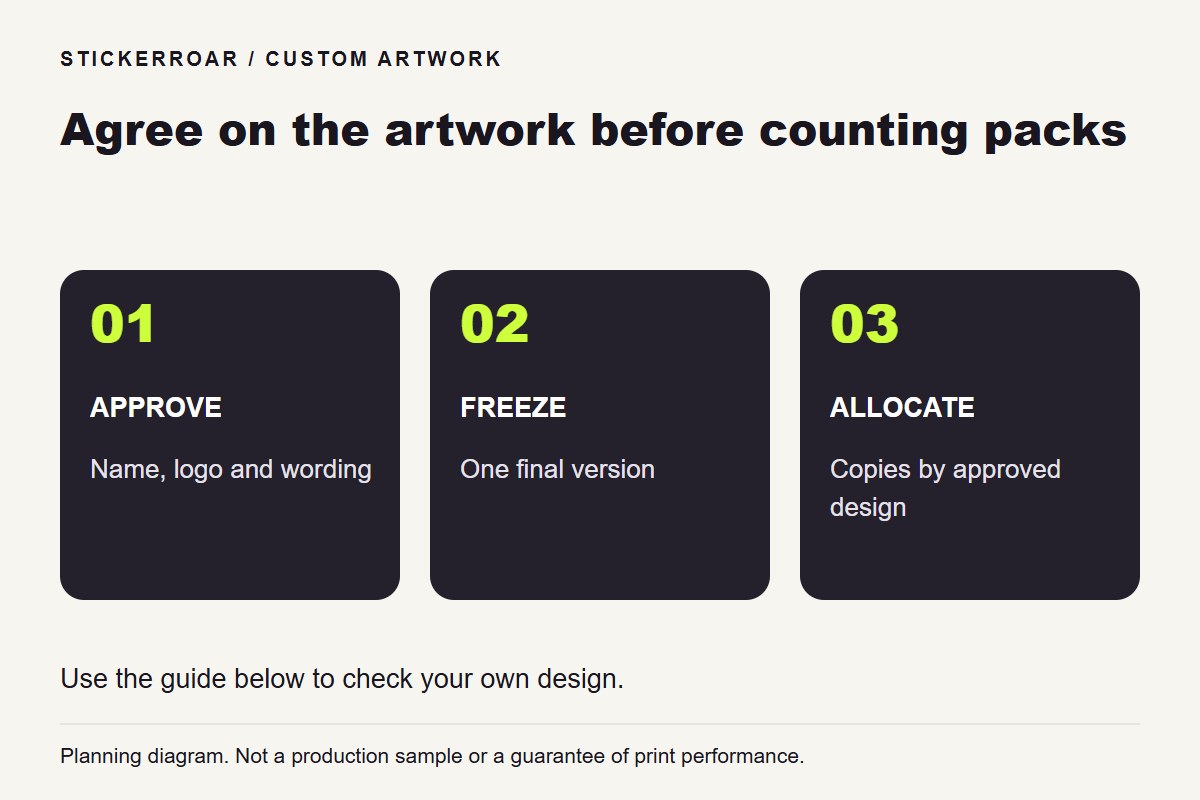
Planning diagram. View the full-size guide.
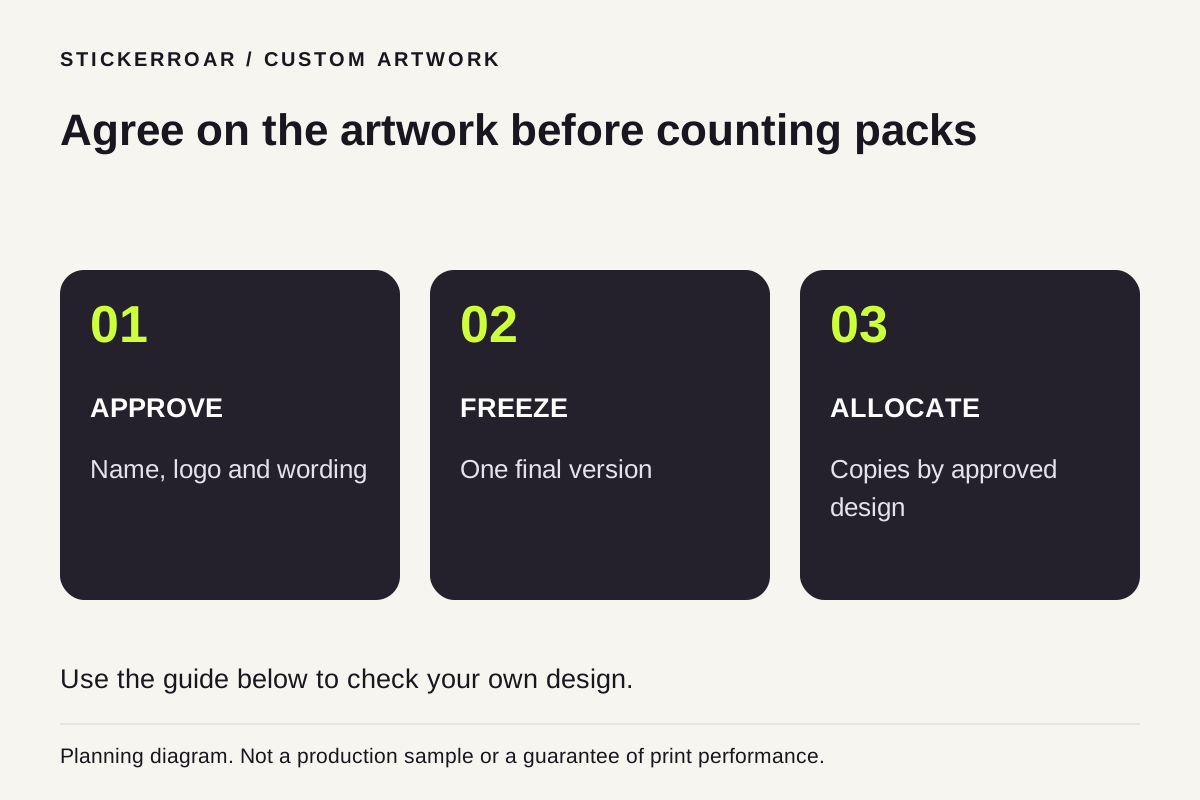
For a car club sticker order, approve one identified artwork version before collecting quantities. Record the exact logo, chapter wording, finished dimensions and material alongside the count. A message saying “two of the club stickers” is only useful when everyone means the same design.
This guide covers preparing a printed club design for StickerRoar's custom service. A printed sticker carries the artwork on a film; it is a different product from separate cut letters applied with transfer tape. If that distinction affects your logo, compare printed stickers and transfer decals first.
Freeze the emblem and the words together
Start with the club's approved logo file and confirm the exact name, capitalization, slogan and chapter text. Use artwork the club is authorized to reproduce. Have the person responsible for the club identity approve the complete export, including any small text beneath the emblem.
Keep the editable master separately from the PNG or JPEG prepared for upload. Name the export so that a member can distinguish it from earlier drafts, such as club-main-v3.png. Avoid a sequence of files called “final,” “final-new” and “final-final.” If the wording changes after approval, assign a new version and ask members to check that version.
Do not mirror a finished logo simply to face the other way on the opposite side of a car. Mirroring also reverses letters. If two orientations are needed, prepare and approve two layouts with readable text.
A worked example: 24 stickers across two designs
Consider this fictional club order:
- Main emblem, version 3: 12 members request one each; the organizer adds 3 identified spares. Total: 15.
- Chapter emblem, version 2: 4 members request two each; the organizer adds 1 spare. Total: 9.
- Total copies across both designs: 24.
Keep the two lines separate even though both designs use the same central emblem. “24 club stickers” would lose the allocation. This example is a counting method, not a bulk-price offer or a minimum-order rule.
Now suppose six copies of the main emblem need a different size. Split that line again: 9 at the first confirmed size and 6 at the second. The total is still 15 main emblems, but there are now three distinct artwork-and-size combinations in the request. If material or border changes as well, record that difference on the relevant line.
If individual vehicles also need different numbers, keep each identifier separate from the shared club emblem. The fleet unit-number checklist shows how to match each number to its own file and copy count.
Check the logo at the intended size
Print a paper proof at the proposed outer dimensions with page fitting disabled, then measure the result with a ruler. Check the chapter name, date and smallest lettering. A logo that reads well on a meeting poster may need simplified text at a smaller sticker size.
Ask members to measure their own intended placement. One member's rear window and another's body panel are not interchangeable templates. Keep the design clear of the driver's view and working vehicle components, and confirm that the supplied material is suitable for the proposed surface. The size guide explains how to check both width and height.
If the group has different vehicle colors, compare the same artwork against light and dark backgrounds. In particular, decide what should happen to white lettering and open spaces. A transparent PNG does not by itself specify a transparent physical sticker. Use the material comparison to prepare that part of the request.
Record an approval that survives the group chat
Keep one short record for each version:
- Approved filename and version.
- Exact club and chapter wording.
- Requested outer width and height, including the border.
- Material and any white-ink questions.
- Member allocation, explicit spare count and total copies.
- Approval date and the person coordinating the request.
Retain this record with the exported artwork. If a late member joins, update the count against the approved version. If someone changes the artwork, treat it as a design revision rather than silently replacing the attachment.
Submit the request with the variants intact
The custom car sticker service uses uploaded, finished artwork; it does not automatically rebuild the club logo or add chapter lettering. Review each distinct version in the editor and check the resulting cart items before submission. For details about coordinating delivery and quantities, use the group-order planning guide.
Keep any event date visible in your request and obtain confirmation of the production and delivery arrangements. An event date in the notes is not a delivery guarantee. StickerRoar currently accepts order requests without online payment; final artwork, specifications and pricing require confirmation. Save the approved files and allocation record for the next order so the group can identify what changed.