THE STICKERROAR GUIDE
Pet Photo Car Stickers: Choose, Crop and Check Your Photo
Choose a clear pet photo, compare head and full-body crops, check pixels and review fur edges before uploading artwork for a custom car sticker.
Updated
Planning diagram. View the full-size guide.
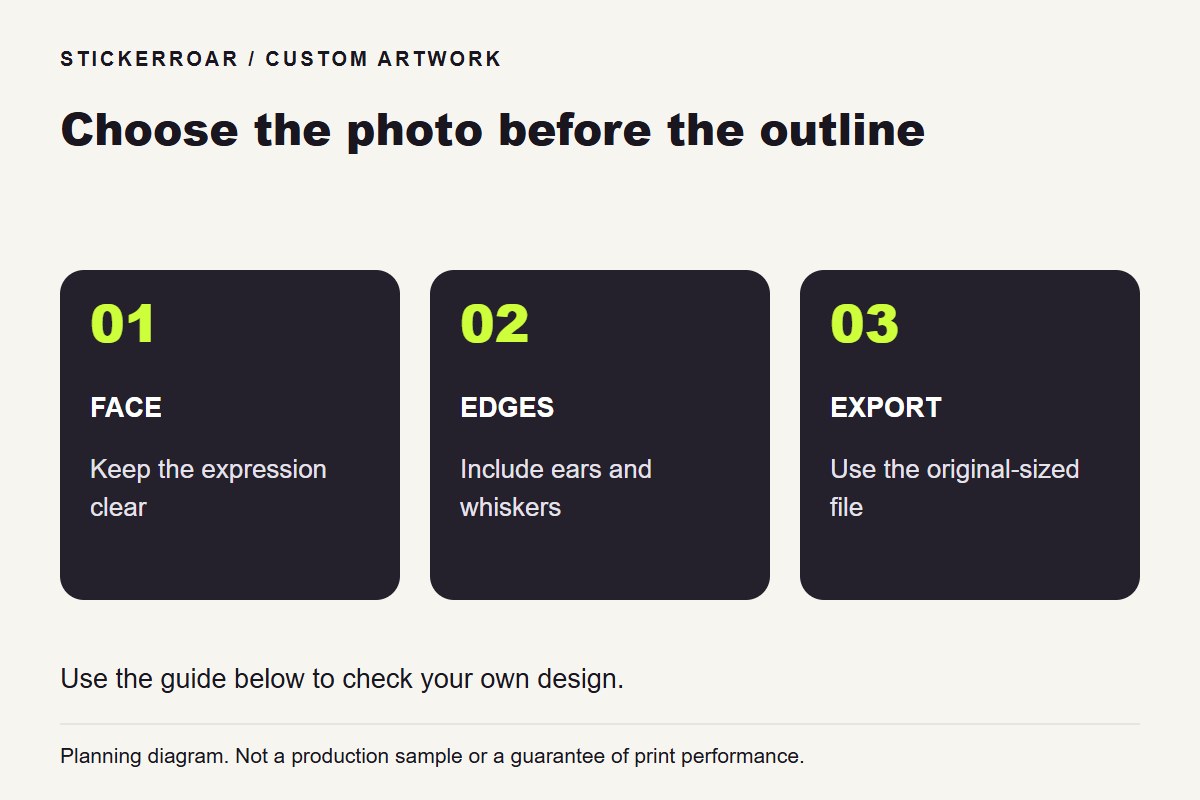
Start with an original photo in which your pet's eyes are in focus and the ears are fully inside the frame. Decide whether the sticker should show a head, a whole animal or a rectangular photograph before removing the background. That choice determines how much detail survives at the finished size.
StickerRoar's custom editor accepts finished PNG or JPEG artwork. Prepare any name or decorative lettering in your image before uploading; the editor does not compose a pet portrait or add a name for you.
Choose between three photos, not three filters
Imagine you have these pictures of the same dog. These are hypothetical examples, not customer photographs:
- A sharp close-up with one ear cropped off. The expression is clear, but background removal cannot recover the missing ear. Use it as an intentional rectangular crop or choose a different photograph for a complete head outline.
- A full-body photograph taken across the garden. The ears and paws are present, but the face occupies a small part of the file. Enlarging the whole photograph will not add detail to the eyes.
- A closer portrait with both ears visible and a simple background. This is the most useful starting point for a head-shaped design, provided the eyes and fur are sharp in the original.
Open the actual files and compare the face at the same display scale. A thumbnail can hide motion blur. Prefer the original camera export over a screenshot of a social post or a picture forwarded through several messaging apps.
For a cat photograph, check whiskers and ear tips against the background. A dark cat beside a dark sofa may look fine as a full photograph yet need careful edge editing for a cutout. Keeping the rectangular photo is a valid design choice when the setting matters or the cutout loses important details.
Decide how much of the pet belongs in the sticker
A head portrait emphasizes the expression. A full-body design preserves the pose, tail and paws, but gives the face less room at the same overall size. A photo rectangle retains the setting and avoids having to outline every tuft of fur.
Make a paper comparison using the same outer width for each version. Look at the eyes and any name lettering from your expected viewing distance. Measure the actual outer shape rather than assuming a square size setting describes the dimensions of the pet itself. The car sticker size guide explains this distinction.
Check the crop before trusting the pixel count
Suppose your photograph is 3000 pixels wide, but the selected head crop is only 900 pixels wide. If that cropped image is placed across 3 inches, it has 300 pixels per inch; across 6 inches, it has 150. These are arithmetic examples, not tested print results or recommended sizes for every portrait.
Use the pixels remaining in the crop, not the original photograph's full width. A large canvas around a small face does not make the face more detailed. If the crop is too small, choose a closer original, reduce the intended size or request an artwork review. Read the editor's resolution warning guide before accepting a softer result.
Inspect the background removal around the pet
Review the exported cutout against both a light and a dark background. Inspect the ears, whiskers, tail, spaces between legs and any pale chest markings. Look for background fragments, missing white fur or a light halo around dark edges.
Keep the original photo and an editable working copy. If automatic removal deletes part of the animal, return to that copy and correct the selection. Repeatedly exporting a damaged cutout will not restore the missing detail. For a file that appears transparent but uploads with a background, use the PNG transparency check.
A transparent image and a clear sticker are separate choices. White PVC provides a white base; a Clear material selection requires a deliberate plan for white areas and the mounting background. A white cat's fur should not accidentally become an unprinted opening. Review the White PVC and Clear comparison before choosing.
Send one clearly identified version
Export the approved design as PNG or JPEG. If the original is HEIC, use the phone-photo conversion guide. Open the export once more to check the crop and the spelling of any name.
Use the custom car sticker service to review the artwork, outer dimensions, border, material and quantity together. Keep production questions specific: for example, whether the pale fur is intended to remain white and whether the outline includes the tail. The screen preview helps review the design; it is not a photograph of a finished print. Submit an order request without online payment, then confirm the final artwork and production details.